
How to start working with your Android App
Looking for an iOS or PC/Mac version of this article?
To start using the mobile application on your Android device, you need to:
- Open an email from your PBX Administrator that contains links for downloading the apps, your authentication credentials, and a QR code for easy access to your account.
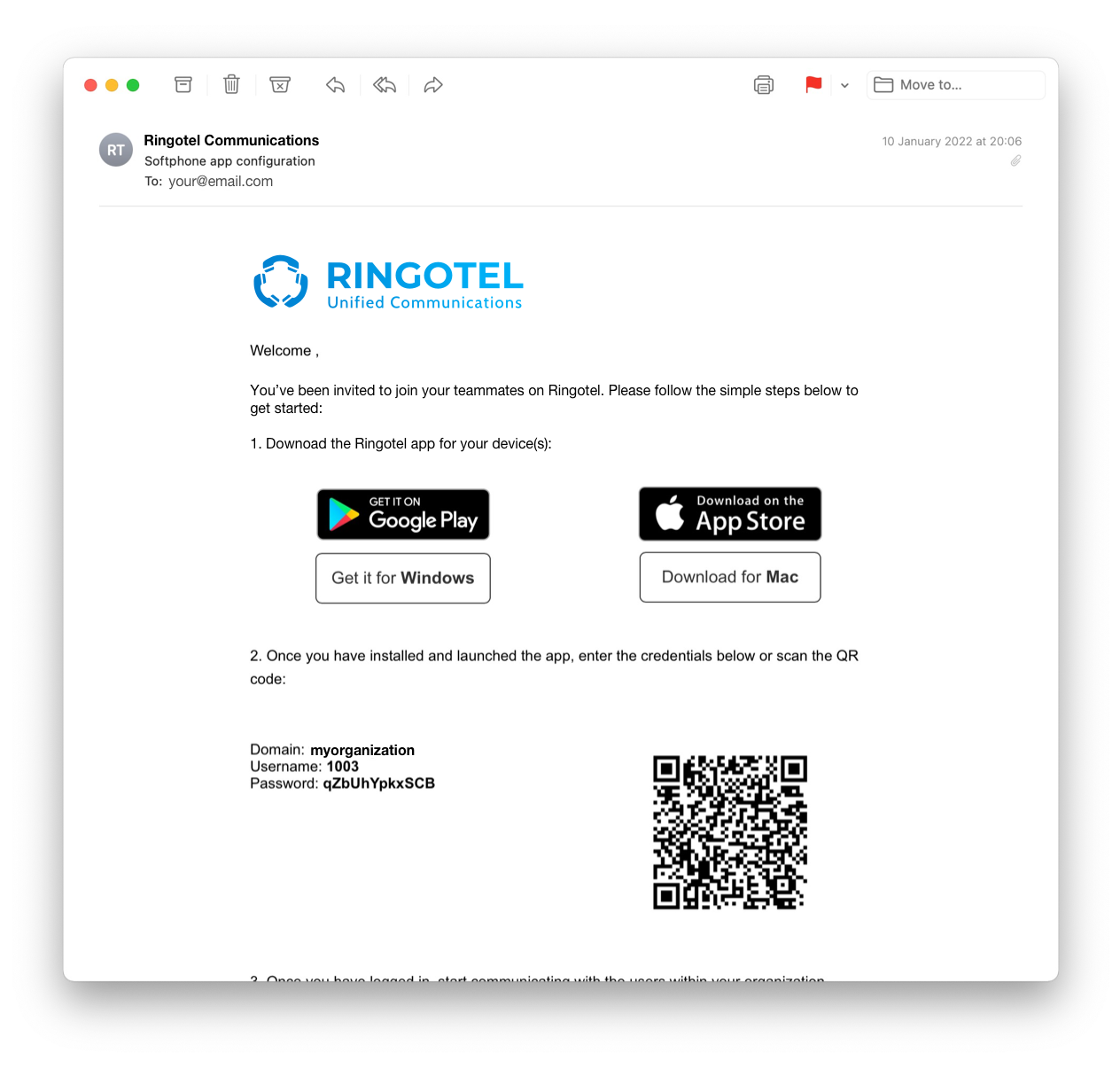
- Click on the
 icon to download the mobile app, suitable for your Android device.
 - After installing the app on your phone, click on the app icon
 to launch the app.
 - To log into the app, you can enter your Authentication Credentials manually or scan a QR code provided in the email you received from your PBX Administrator.