Managing participants in a group chat
Adding/removing users in a group chat
Only administrators and the ones who created the group can add or remove participants.
To add/remove a participant:
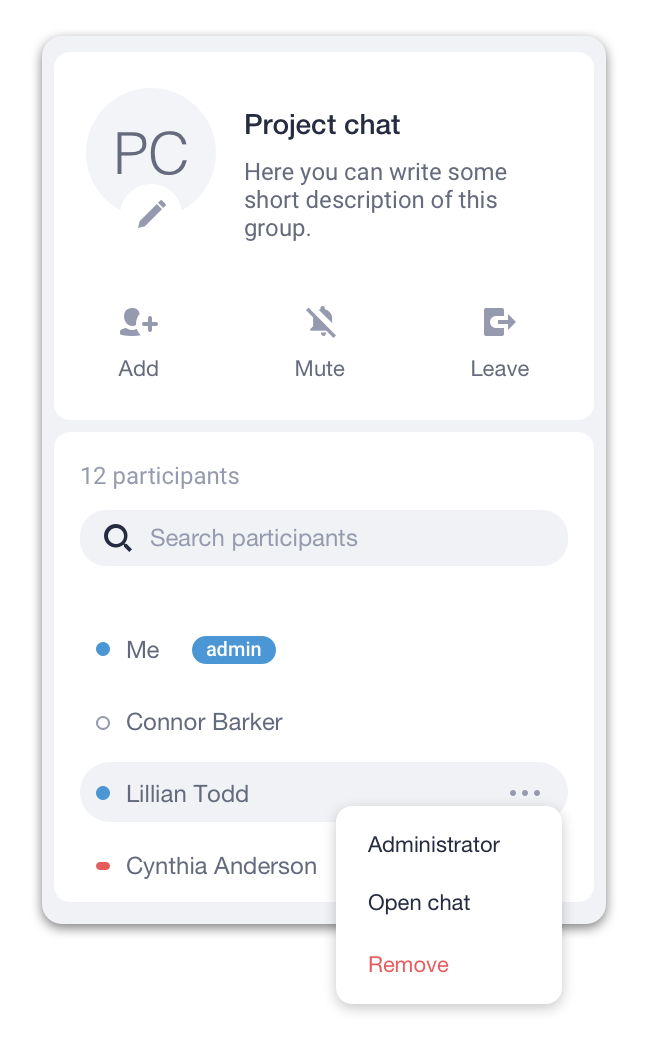
- Open a Chat Details panel by clicking on the
 icon at the top right corner of a chat panel.
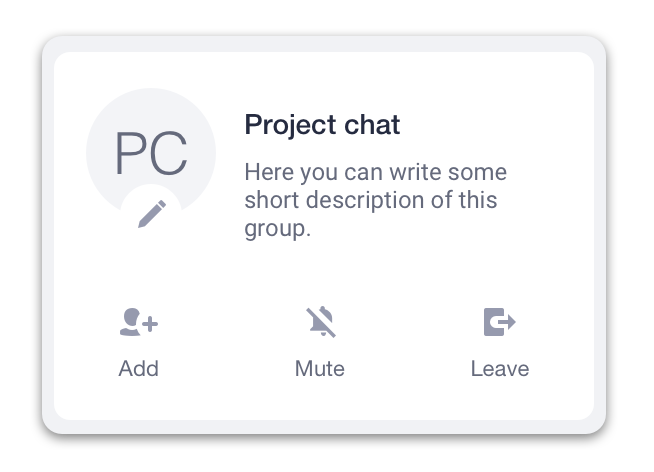
 - Click on the
 icon.
icon.
- Click on users to add or the
 icon next to their names to remove them from a group chat.
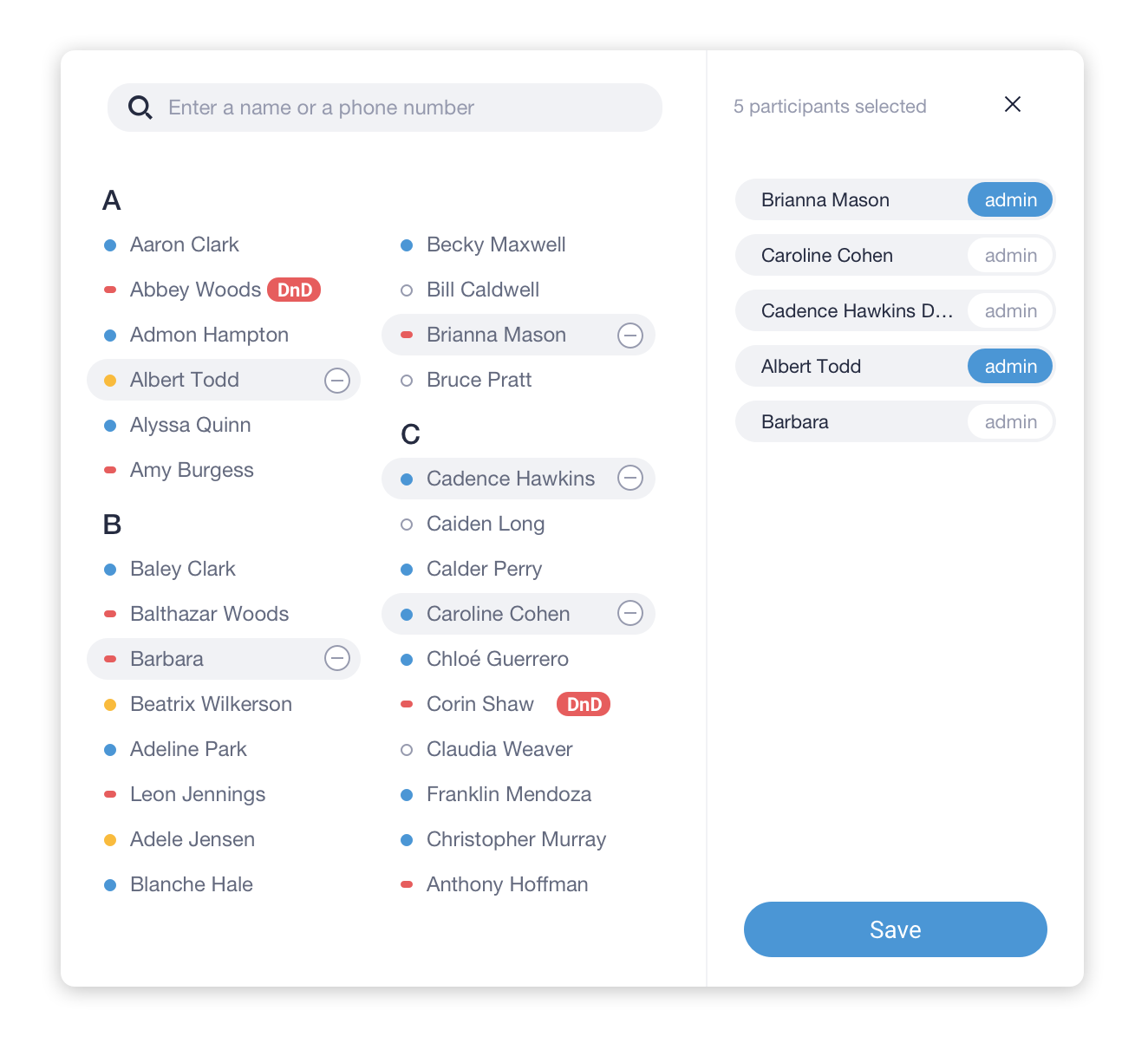
- Click on the Save button.
Adding admins to a group chat
You can assign Chat Admins only to a group chat that you have created or during the chat creation process. A Chat Admin can add and remove participants in a group chat.
To assign a Chat Admin:
- Open a Chat Details panel by clicking on theicon at the top right corner of a chat panel.
- Click on the
 icon next to the participant you want to make a chat admin.
 - Select Administrator from the drop-down menu to assign or remove admin privileges.