Starting a Group chat
To create a new group chat:
- Press on the
 icon at the top right corner of the screen.
 - Select the ‘Group’ menu item from the pop-up menu to create a new group chat.
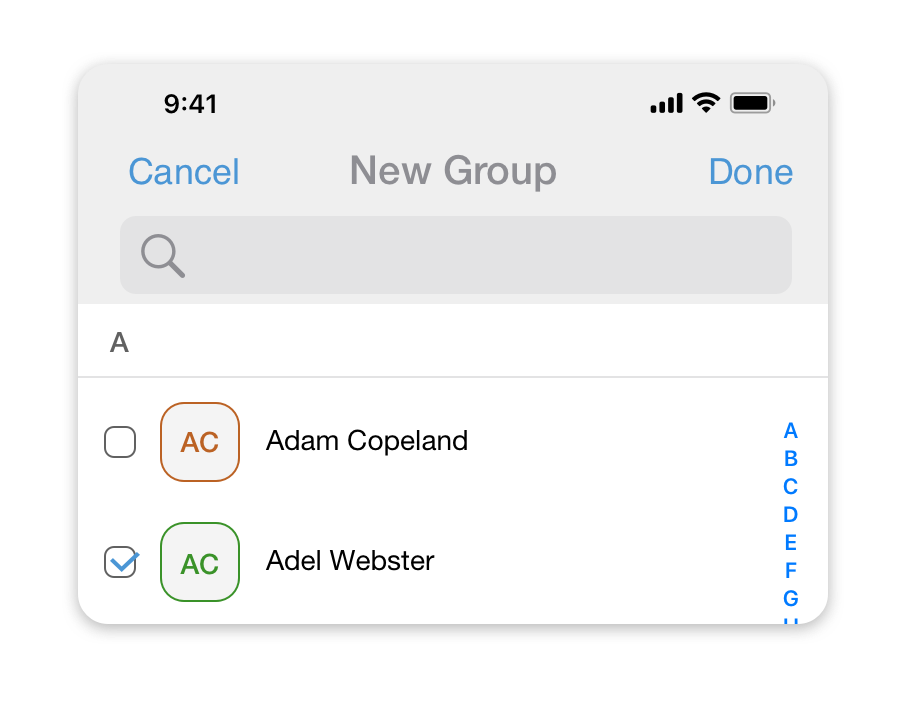
- Enter the name of the group chat you would like to create.
- Select participants for this group chat from the list and press ‘Done’.
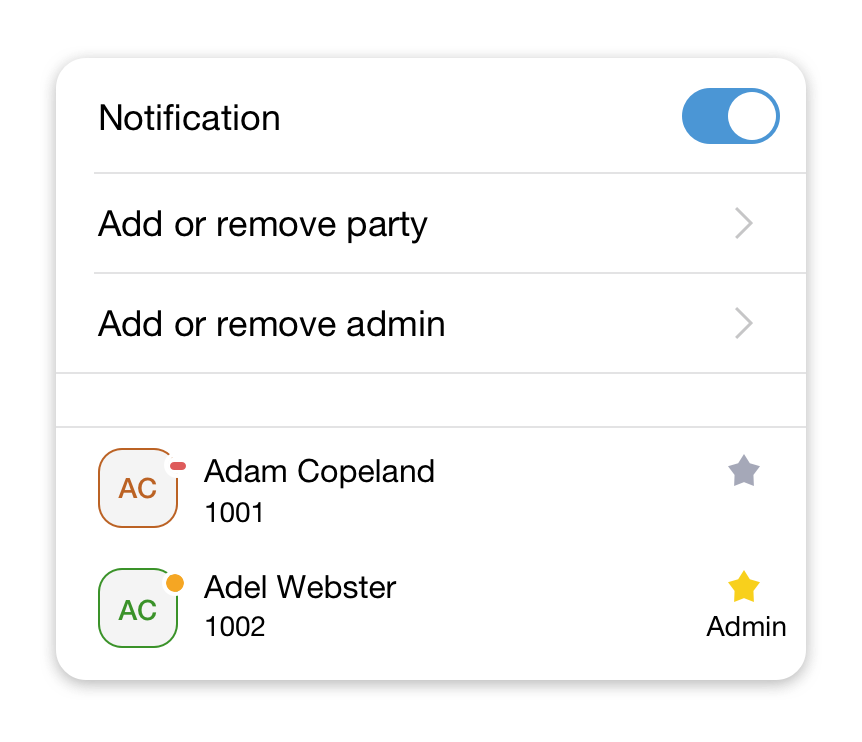
After you’ve created a group chat you can select who, aside from you, will be this group’s Admin and will have the right to add or remove participants to this group.
To edit the list of group administrators:
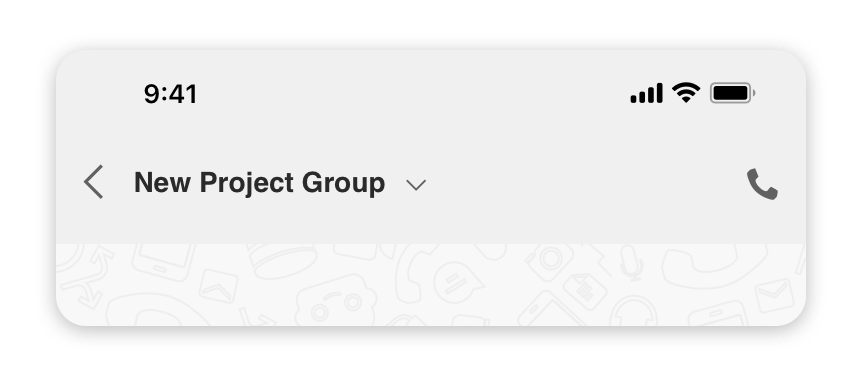
- Press on the small arrow icon
 at the right side of the group name to open the group settings screen.
- Tap on an
 icon to add/remove admin rights to a participant.