Viewing call history
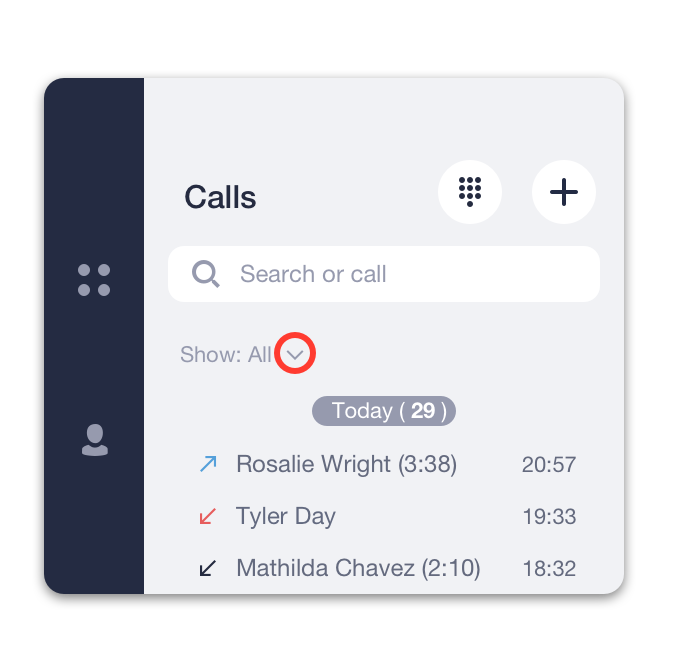
You can view the history of all your incoming and outgoing calls through the Calls tab .
Click on the arrow icon to switch between displaying all calls and only missed ones.
Delete call history
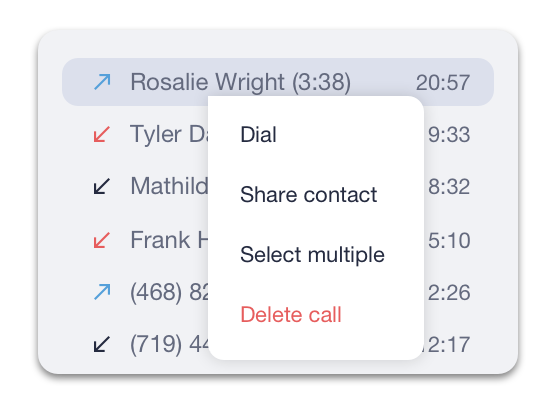
To remove a call from history right-click on the call entry and select Delete call from the drop-down menu.
To remove multiple calls from your call history at once:
- Right-click on any call record.
- Click on Select multiple from the drop-down menu.
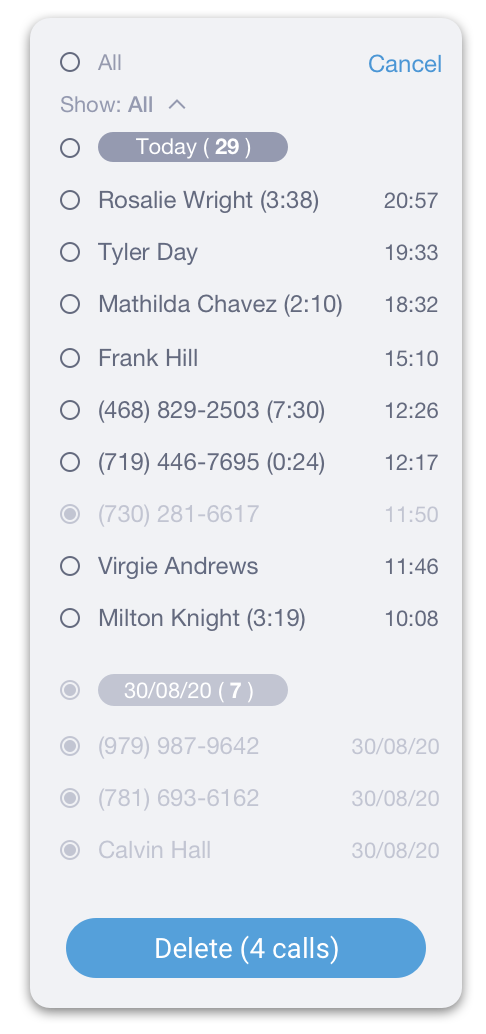
- Select the records you would like to delete. You can click on a specific date to select all entries from that date.
- Click on Delete to remove entries.