Working with contacts
Contact’s Profile
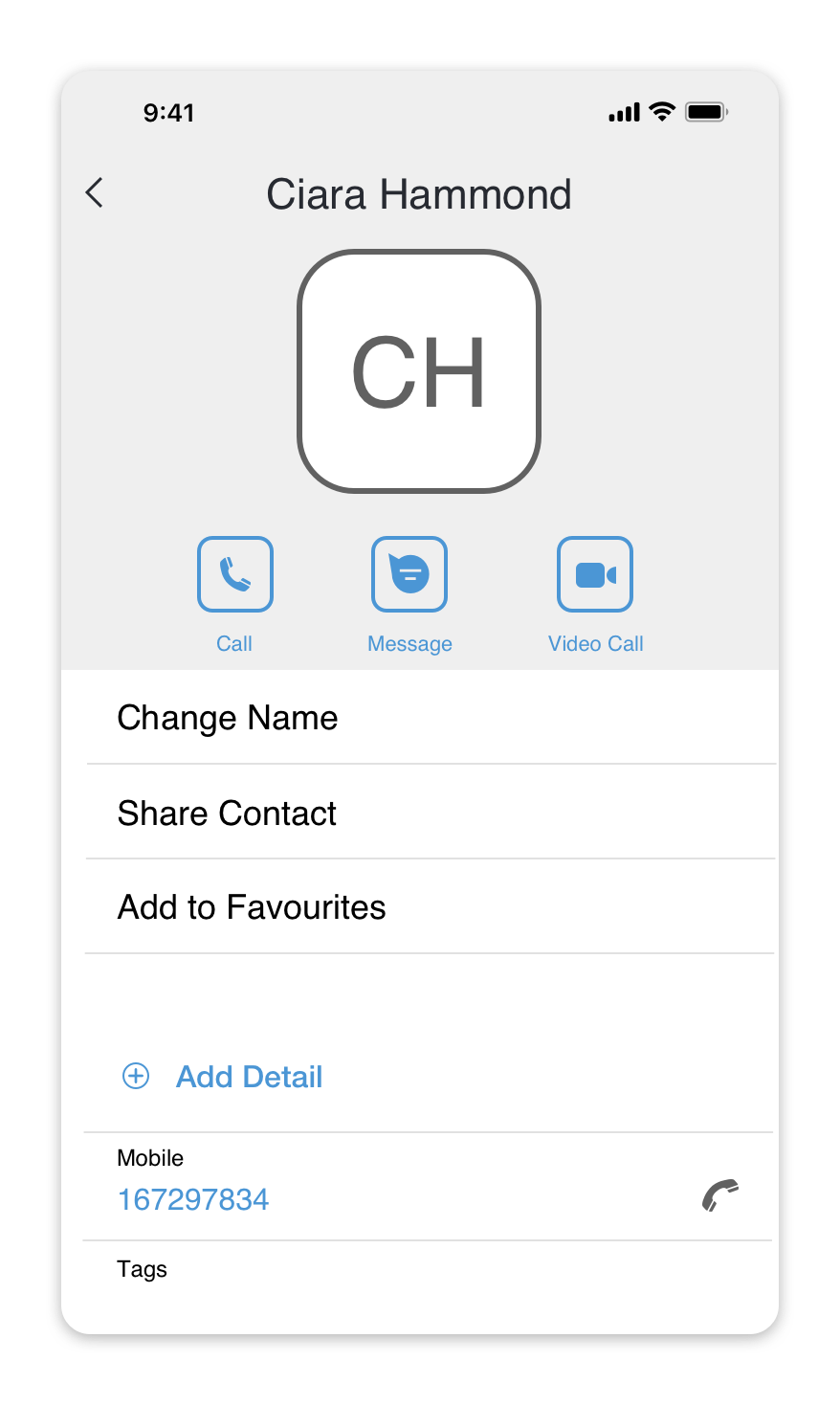
A Contact’s Profile contains all the details regarding a person or an organization, including the history of communication with your company.
To open a contact’s profile, simply tap on a contact from your contacts list or on a contact’s name in a chat screen .
Add a contact to favorites
To add a contact to favorites, open the profile of a contact and tap on the ‘Add to Favorites' menu item.
Edit a contact
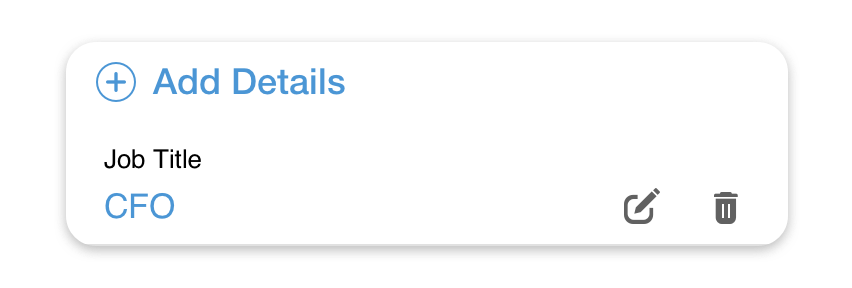
To add new details to a contact, press the ‘Add Detail’ button.
To edit contact details, tap on the information you would like to change and press the icon.
icon.
Delete a contact
To delete a contact, scroll down to the bottom of contact details and tap on the ‘Delete’ menu item.
Share a contact
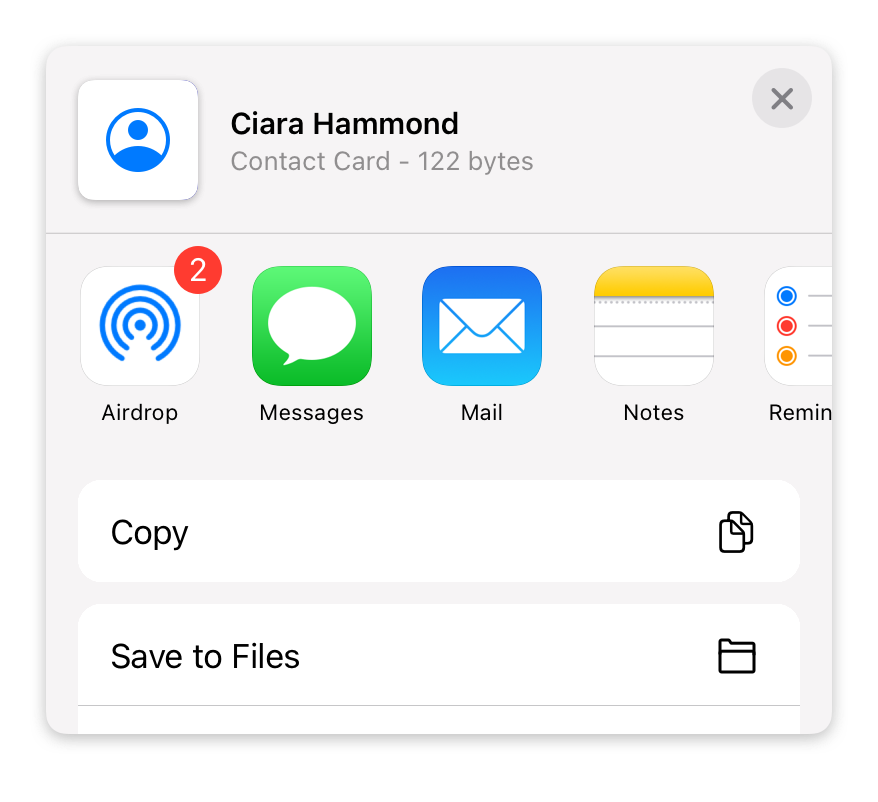
To share a contact with your colleagues, open the profile of a contact you want to share, tap on the ‘Share Contact’ menu item, and then select an application you would like to share a contact with.