
Creating a chat / Sending SMS
Availability of this feature depends on your service configuration. Contact support for details.
Looking for an Android or iOS version of this article?
To create a chat or send an SMS:
- Click on an
 icon at the right side of the tab name.
 - Choose Create Chat from a drop-down menu.
- Select a User from the list to create a personal chat.
OR
- Enter a phone number in the search field and choose an external contact to create an SMS chat. *
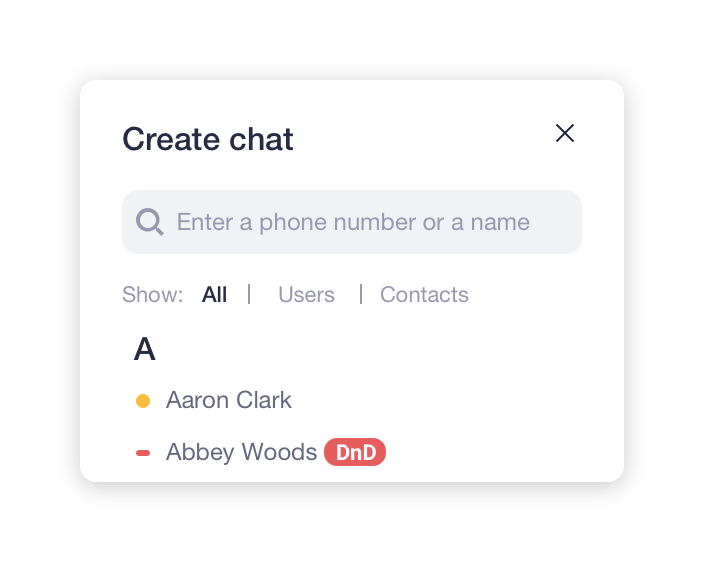
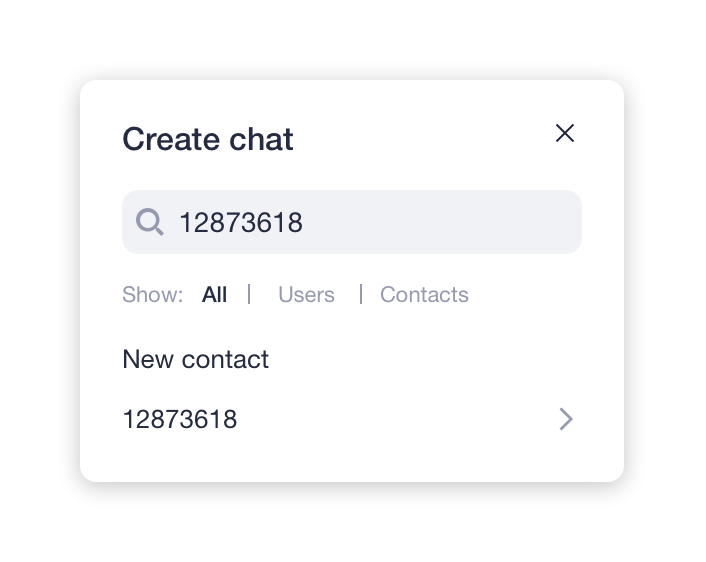
* Please check the availability of this feature with your PBX Administrator.