Switching a call between apps
You can seamlessly transfer a live call from your desktop app to your mobile app, or from your mobile app to your desktop app, with no interruption. This is useful for taking your work on the go.
iOS
1. To switch an active call, open the iOS app while on an active call, then tap the notification at the top of the app:
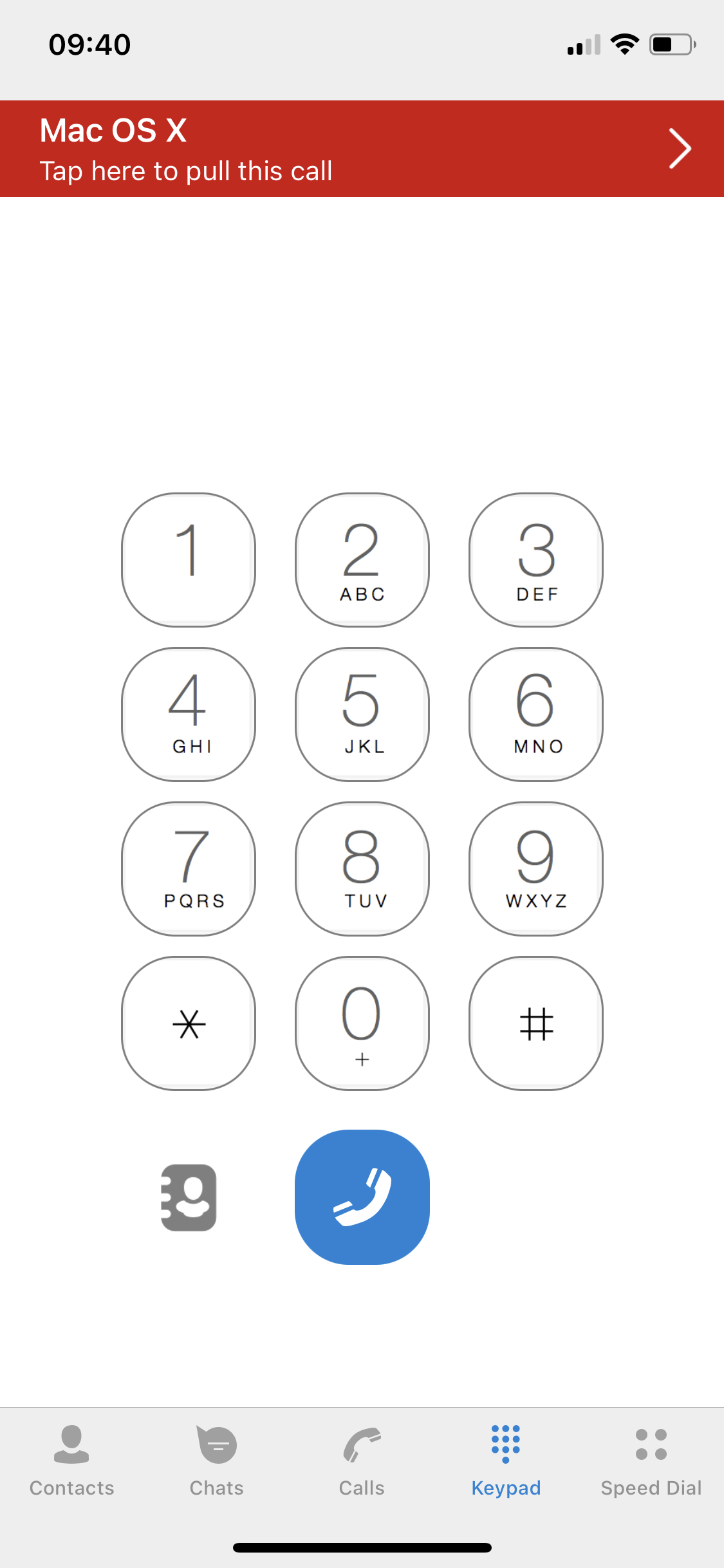
2. Press Confirm to switch a call.
Android
1. To switch an active call, open the Android app while on an active call, then tap the notification at the top of the app:
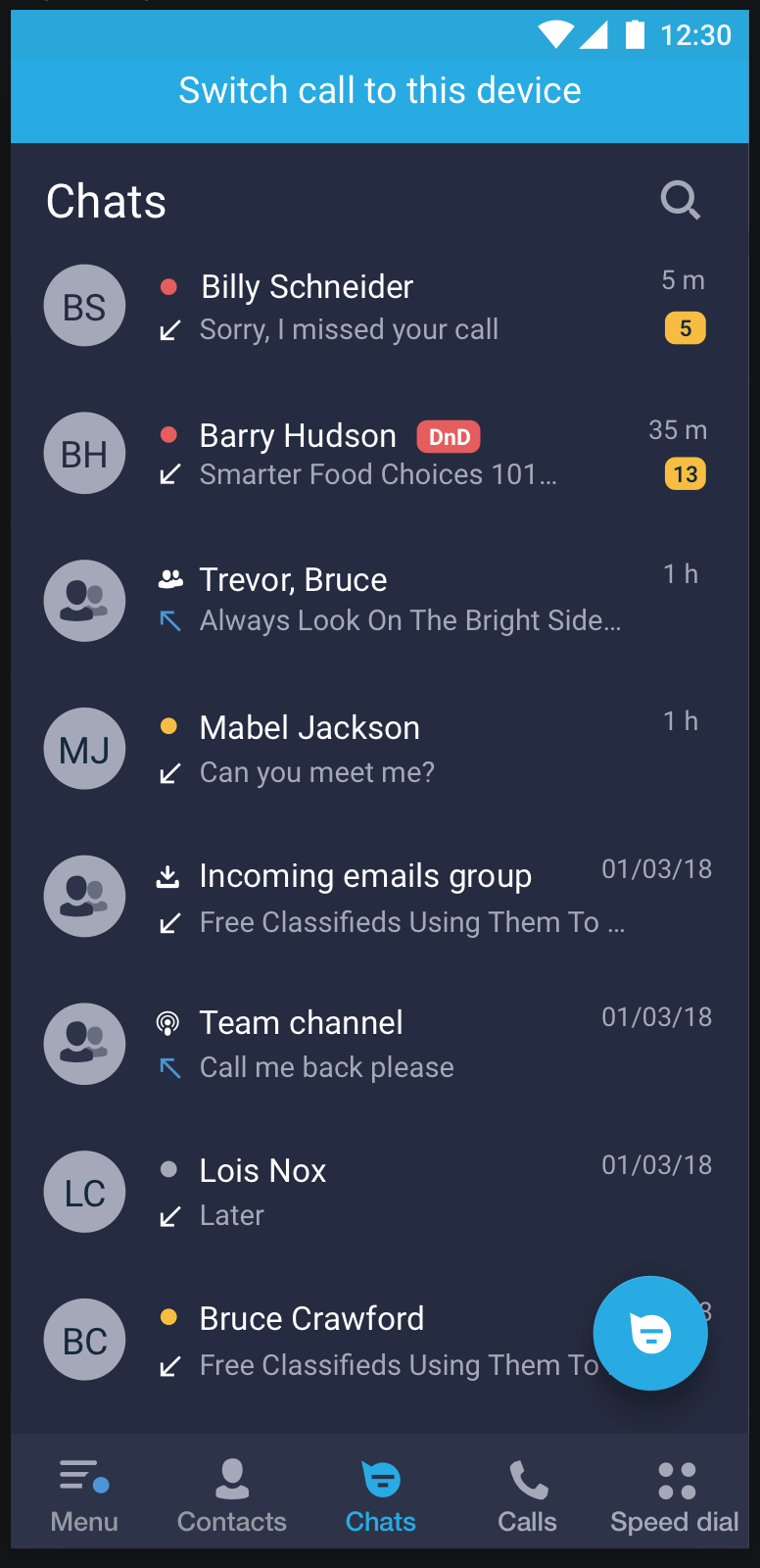
2. Press Confirm to switch a call.
Desktop (Windows/macOS/Linux)
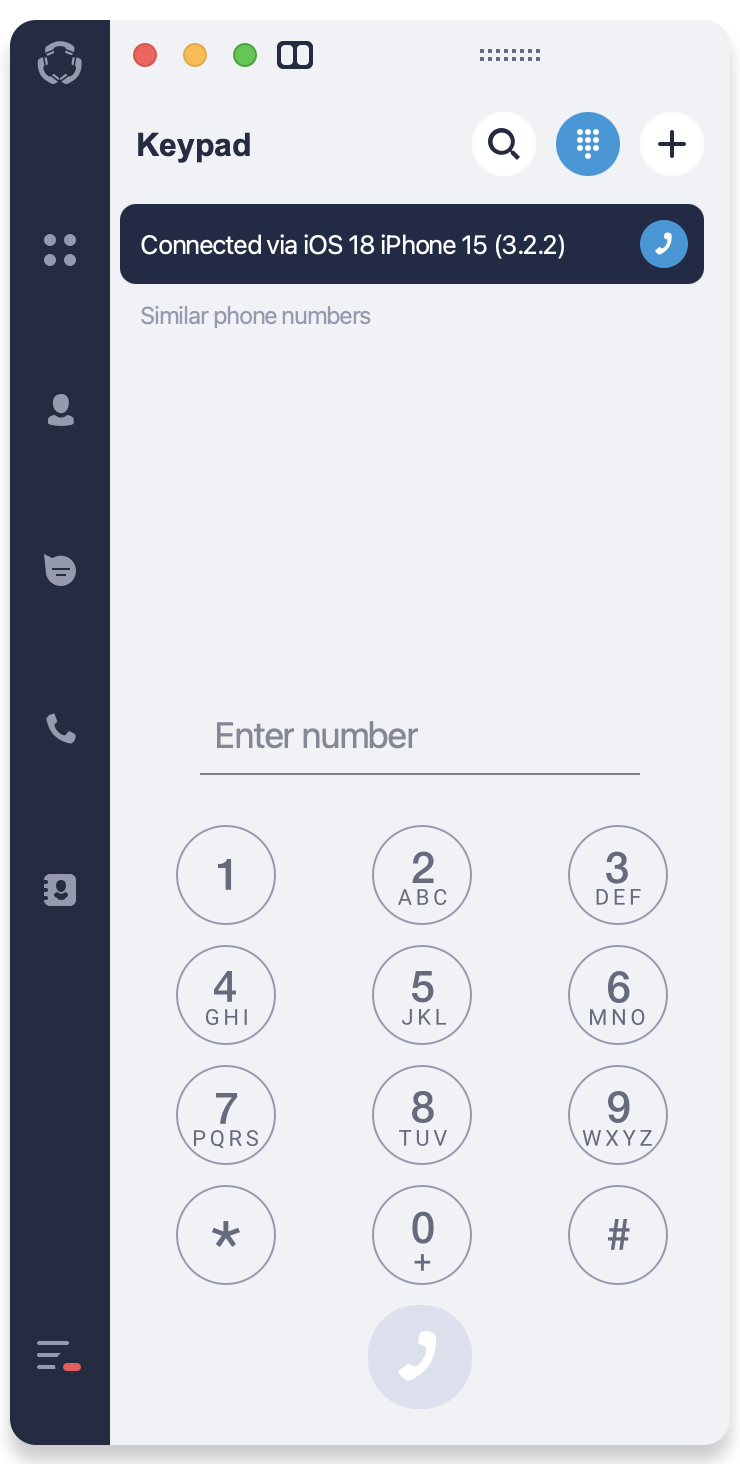
- To switch an active call, open the desktop app while on an active call, then click on the notification at the top of the left side panel of the app: