
Chats and messages overview
Availability of this feature depends on your service configuration. Contact support for details.
Using the desktop app, you can send a text message to a colleague directly via ‘Personal’ chat or to a group of colleagues using a ‘Group’ chat.
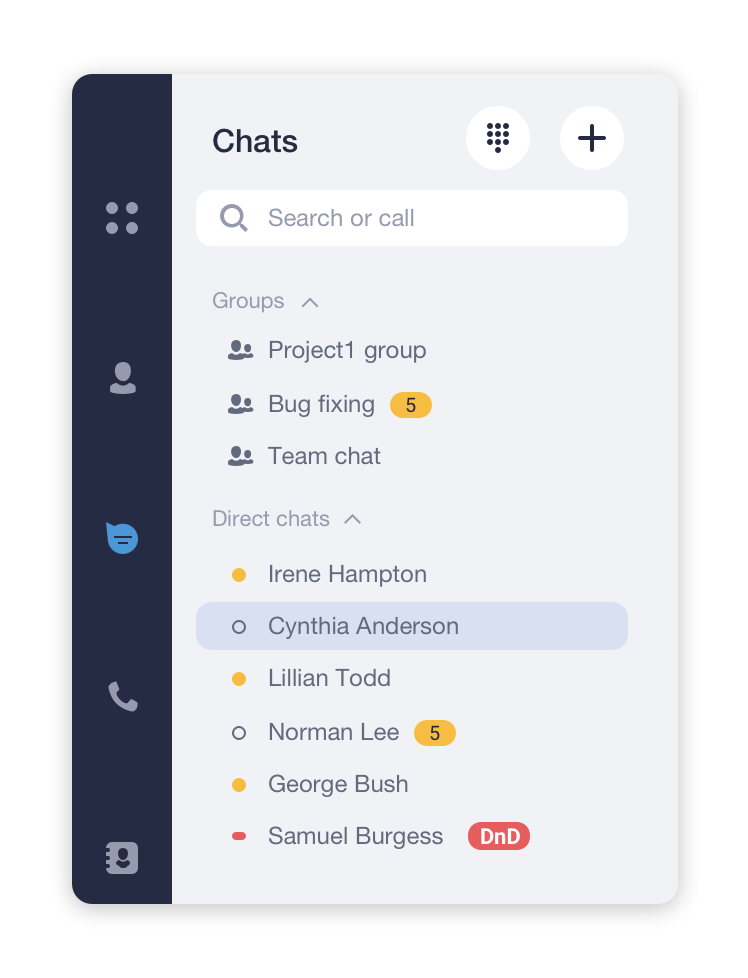
The ‘Chats’ tab is where you can find all your chat conversations and all the messages you’ve sent and received.
This is also where you can create a new ‘Personal’, ‘Group’, or ‘SMS’ chat.
How to pin a chat in the list
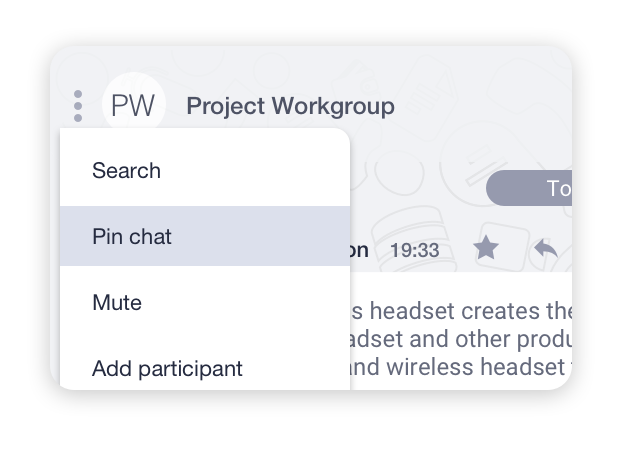
To pin a chat:
- Click on the
 icon at the top side of the Chat panel.
 - Select Pin chat. Now, this chat will be listed above the others.
- Do the same procedure to unpin chat.
* Please check the availability of this feature with your PBX Administrator.