
How to park a call
Availability of this feature depends on your service configuration. Contact support for details.
Looking for an iOS or PC/Mac version of this article?
Call Parking feature allows you to put a call on hold from one extension (or device) and retrieve it from another extension (or device) with permission to do so.
To park a call:
- During an ongoing call, tap the ‘More’ icon
 to reveal additional features.
 - Press the ‘Transfer’ icon

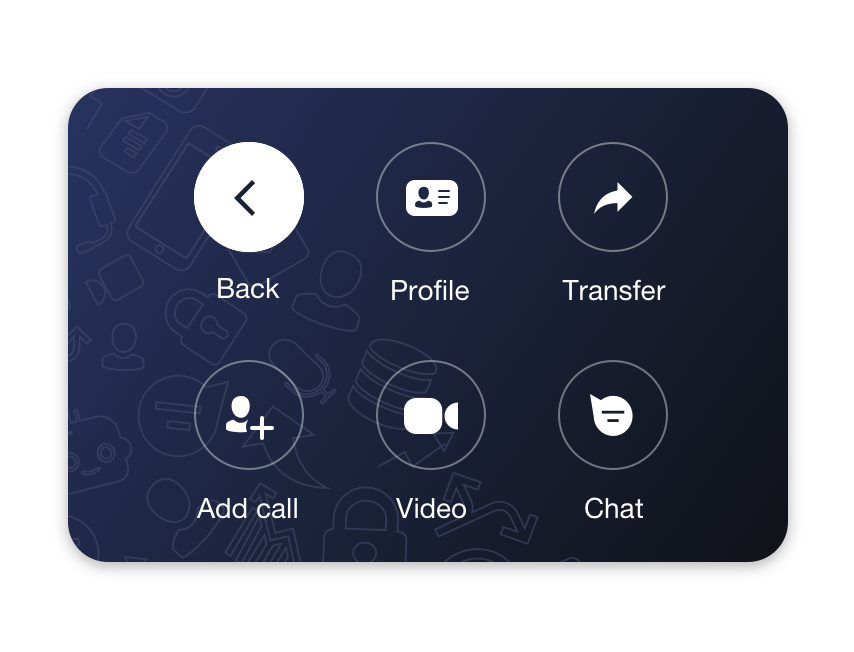
- Choose a parking slot from the list, where you want to transfer a call.
Note: if all parking slots are busy, you will not see any parking slots in the list.
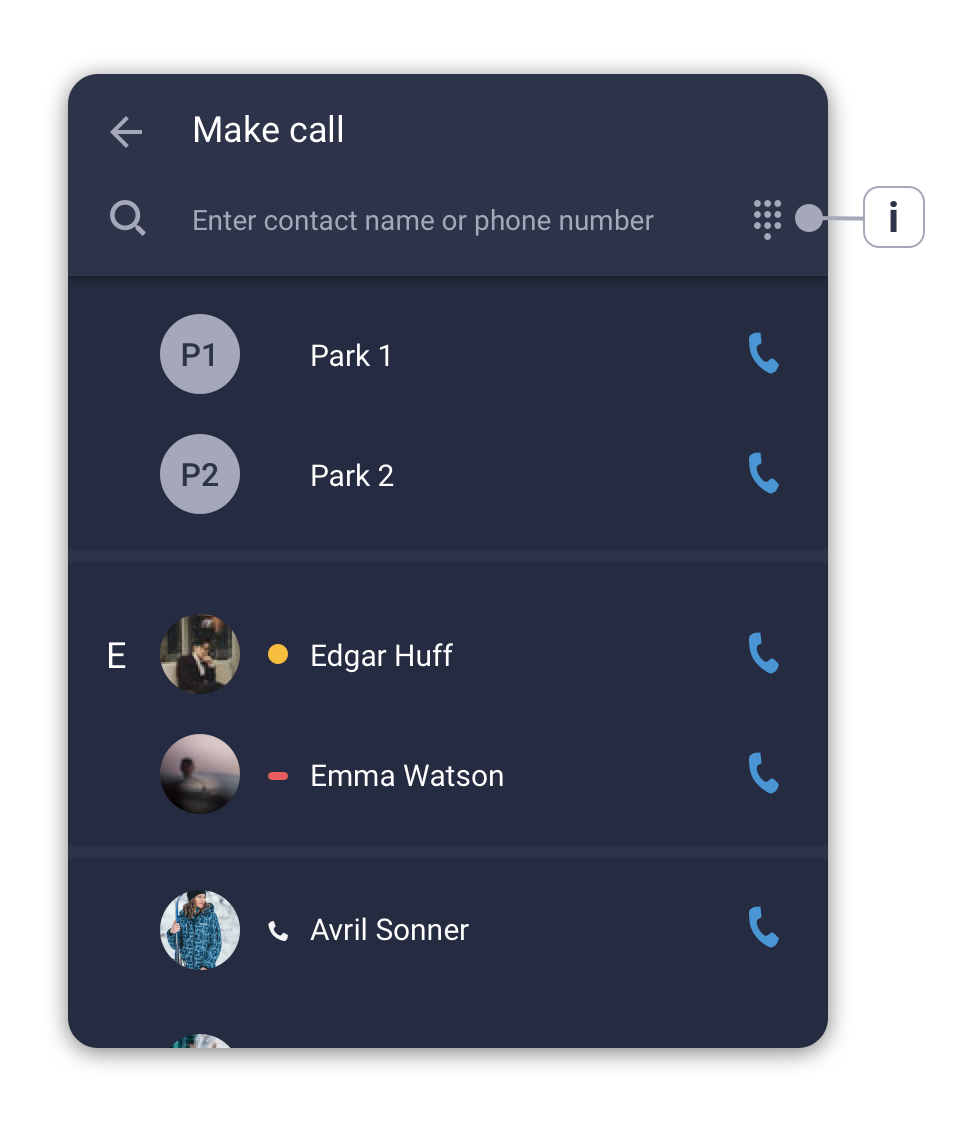
Retrieve a parked call
A parked call will be displayed in the Contacts tab above the list of users/contacts. It will be visible to all your colleagues, and they will be able to pick up this call from a parking slot.
- Navigate to the Contacts tab and click on a parking slot to retrieve a call.
- Confirm action in the pop-up window to connect with the call waiting on a parking slot.
* Please check the availability of this feature with your PBX Administrator.