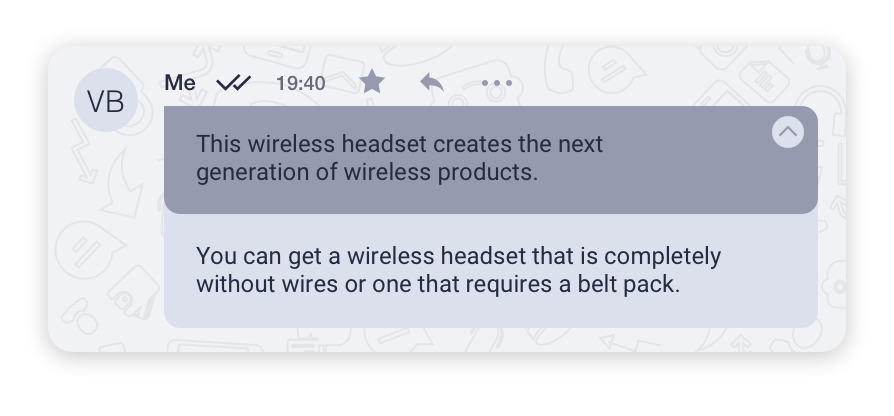
Replying to a message
Replying with a quotation is used when you want to reply to a specific message in a chat.
To reply with a quotation:
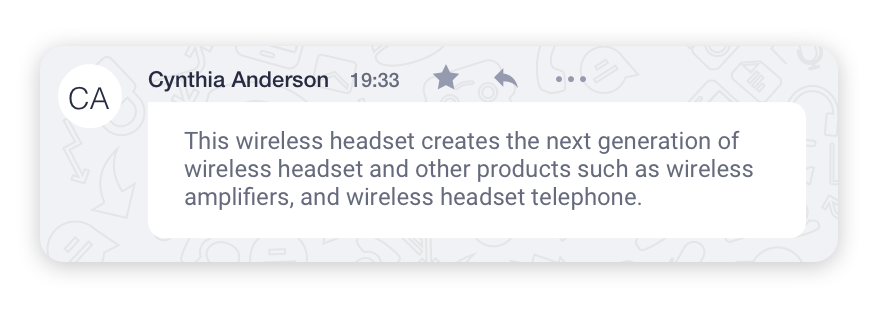
- Left-click on the
 icon above the message to which you would like to reply.
- You will be able to see the message to which you are replying at the top of the Message Input Area.
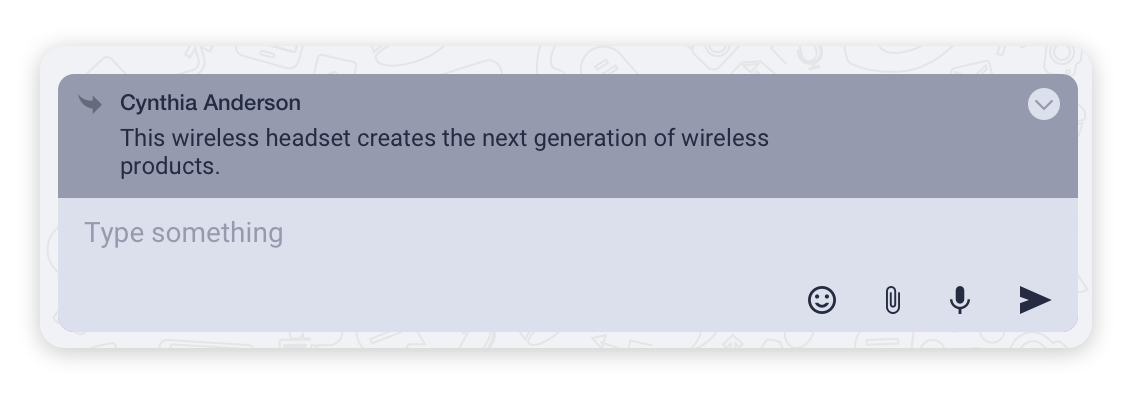
- Write your message and press Enter to send it.
Press ESC or click on the icon to cancel the reply action.
You can jump to the replied message by clicking on the icon:
icon: