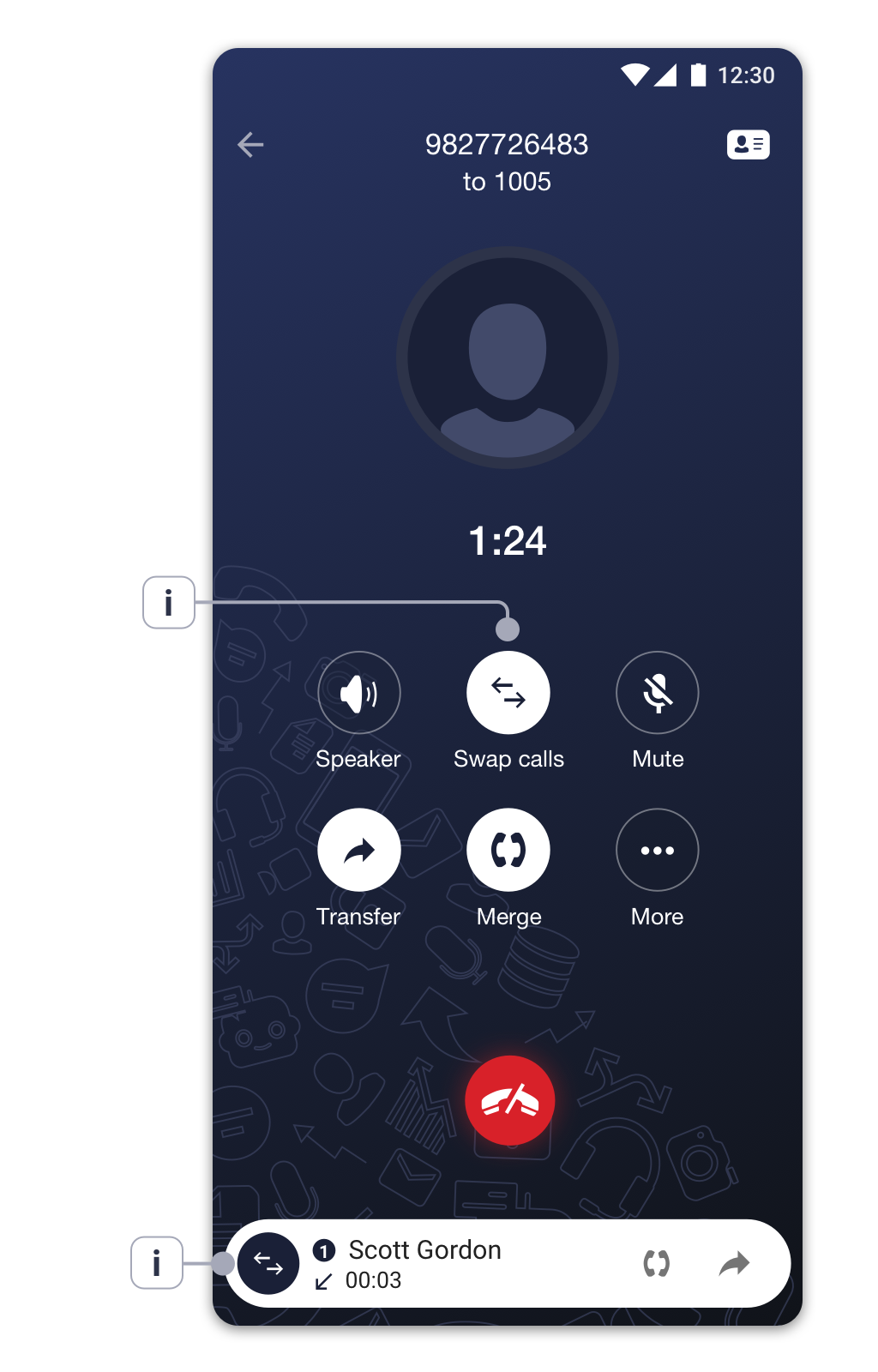
Switching between two lines during a call
During a call, if you need to make an outgoing call while putting the current call on hold:
- Tap on the ‘More’ icon
 to switch to the additional features set and press the ‘Add call’ icon

- Choose а contact that you’d like to call from the list.
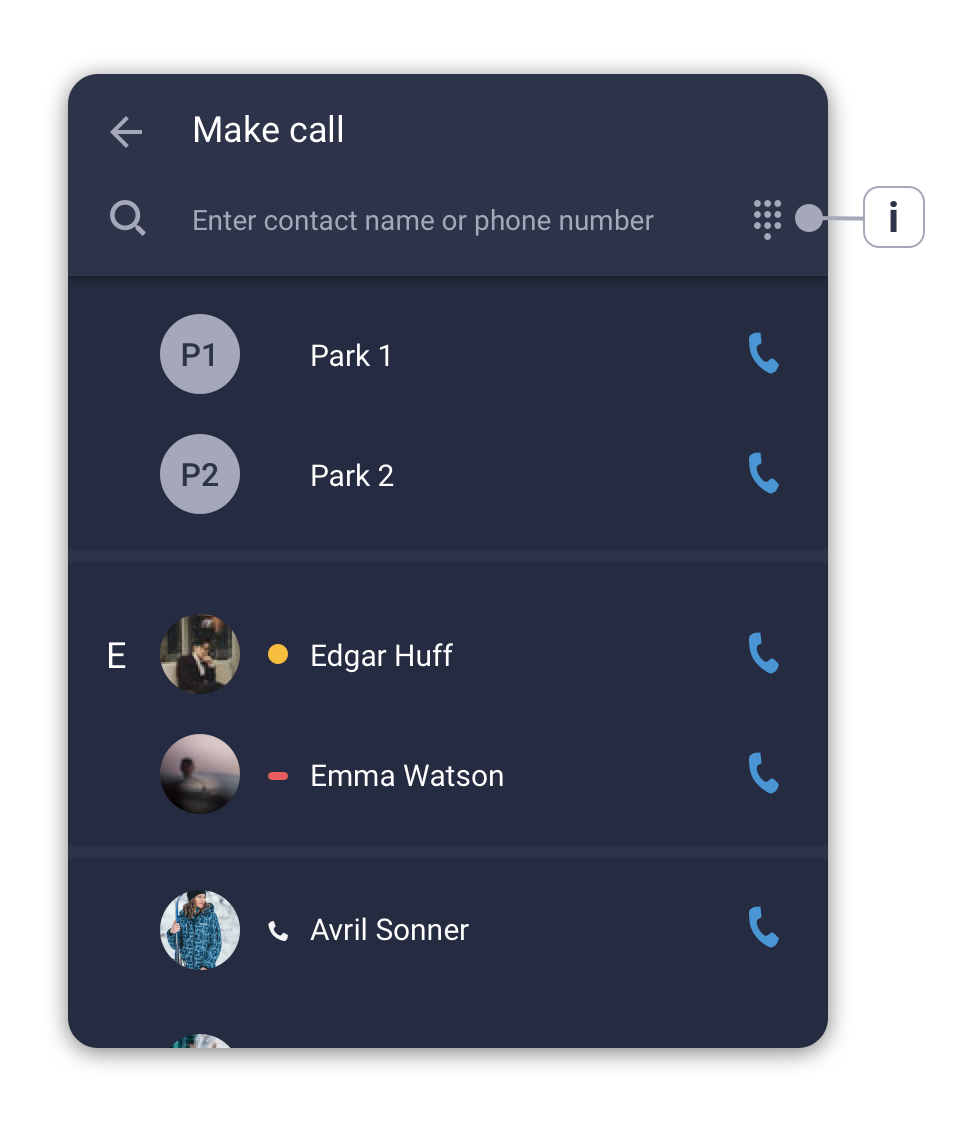
i. Tap the ‘Numpad’ icon to manually dial a phone number.
- After the connection has been established, you can switch between the two calls by tapping on the
 icon (i).