
Working with call recordings
Availability of this feature depends on your service configuration. Contact support for details.
Looking for an iOS or Android version of this article?
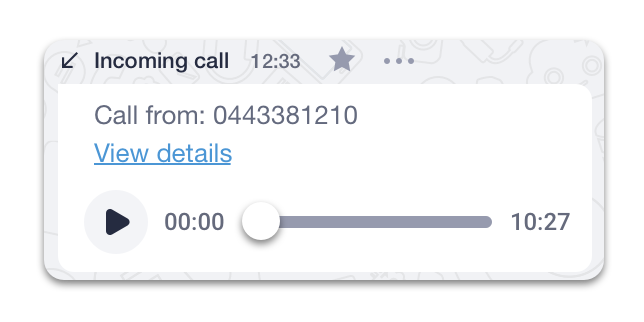
To playback a call recording:
- Open your conversation history with a contact.
- Find a call you would like to listen to and press the
 icon.
icon.
To download a call recording:
- Open your conversation history with a contact.
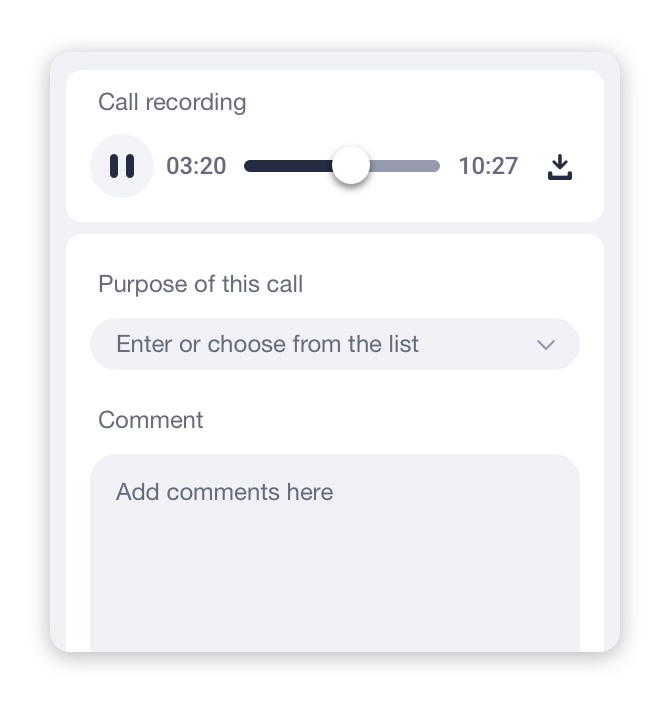
- Find a call recording that you would like to download and press the View Details link.
- Click on the
 icon to save this call’s recording to your computer.
* Please check the availability of this feature with your PBX Administrator.