
Add a participant to a conference
Looking for an PC/Mac or Android version of this article?
To add a participant to a call:
- During an ongoing call, tap on the ‘Add call’ icon


- Choose а contact that you’d like to add to a call from the list.
OR press the numpad icon to dial a phone number.
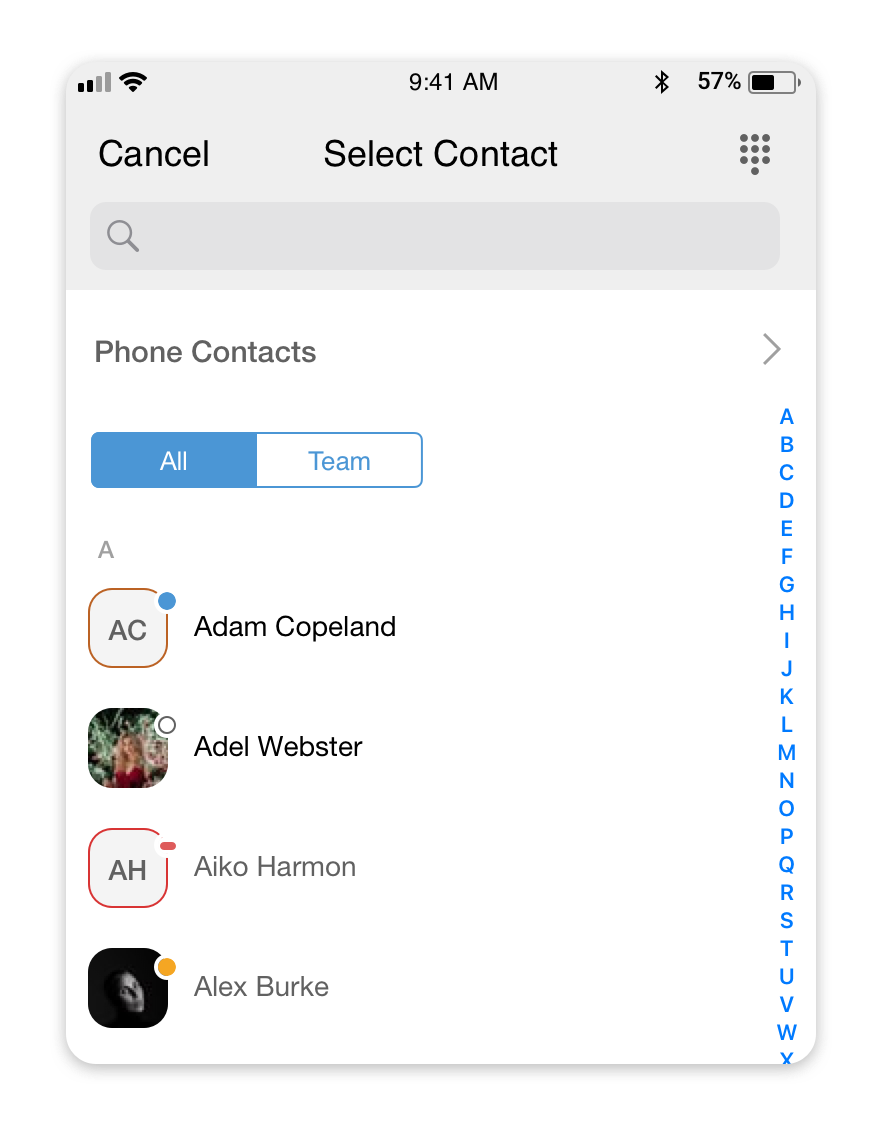
- After you’ve connected with a new participant, press the ‘Join’ button to this participant to a conference.
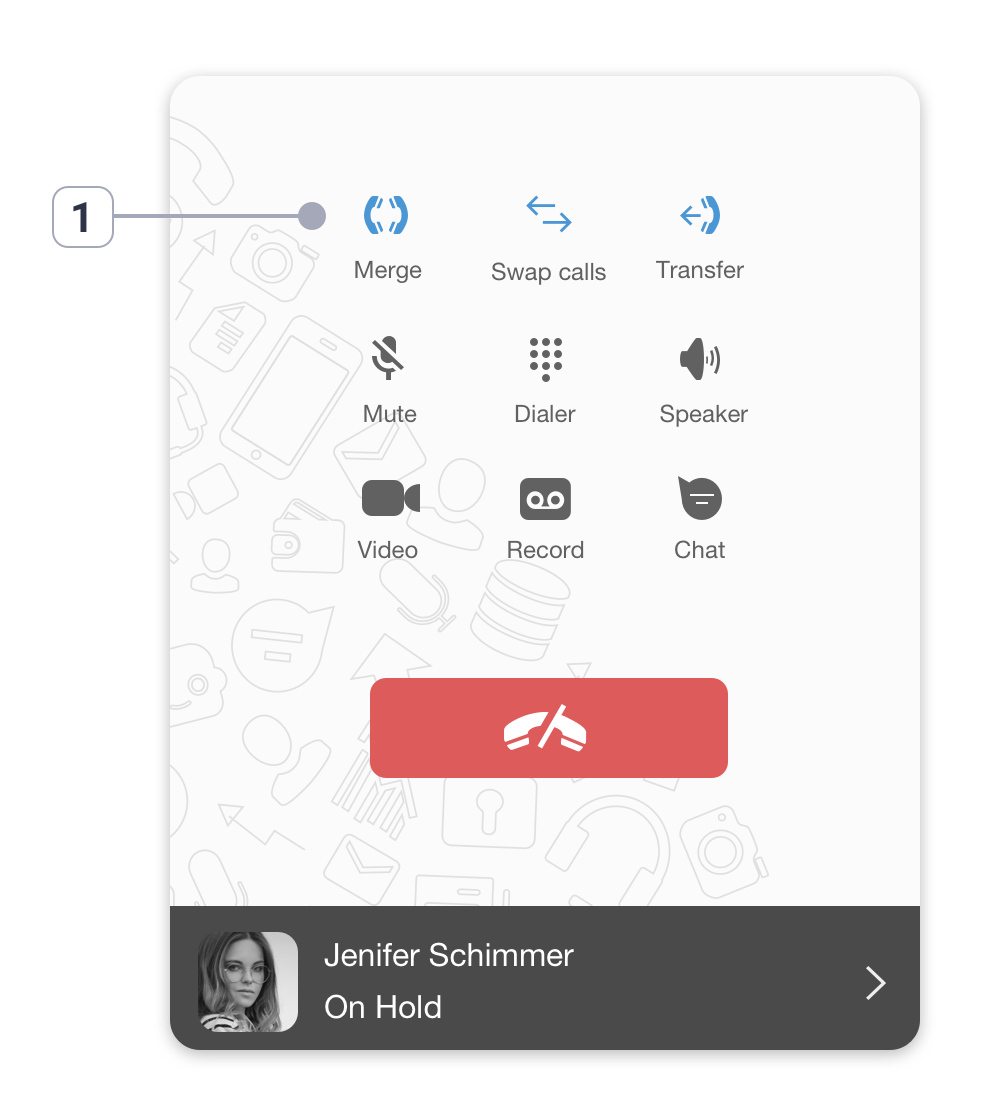
- Press the ‘Merge’ button (1) to merge both lines into a conference.
You can repeat all the above steps to add more people to a conference call.