Working with incoming call
When you receive an incoming call:
- An Active Lines panel will appear under the Search Bar.
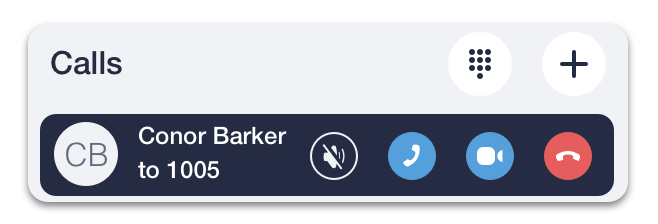
- Click on the
 icon, to answer a call, or the
 icon, to drop it.
If you have an open chat with a caller during an incoming call, a Call panel will appear at the top of the Chat panel.

On incoming calls, a Call panel has the following buttons:
 - to mute a ringtone,
- to answer a call with audio,
 - to answer with a video on,
- to cancel it.
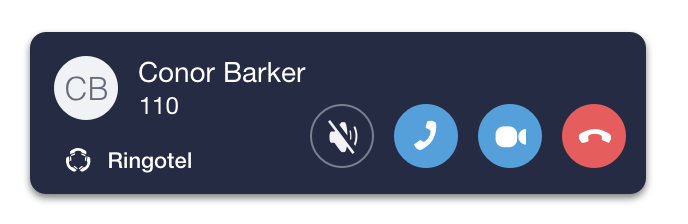
If you have other applications on top of your screen when receiving an incoming call, you can handle an incoming call with the help of a notification window that will automatically pop up.
Depending on the option selected in General Settings , a pop-up window will have one of the following looks:
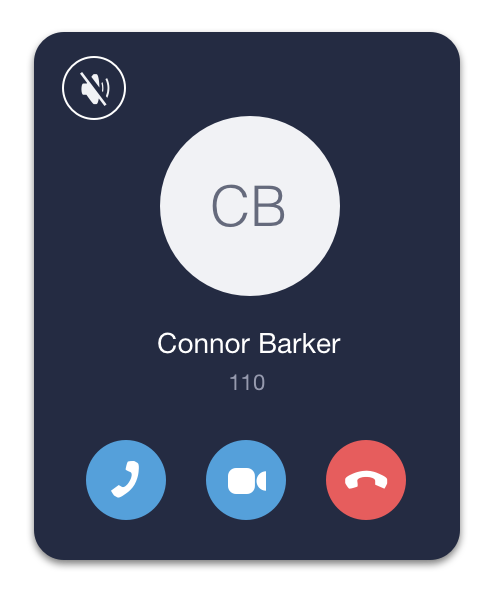
OR