
Working with messages
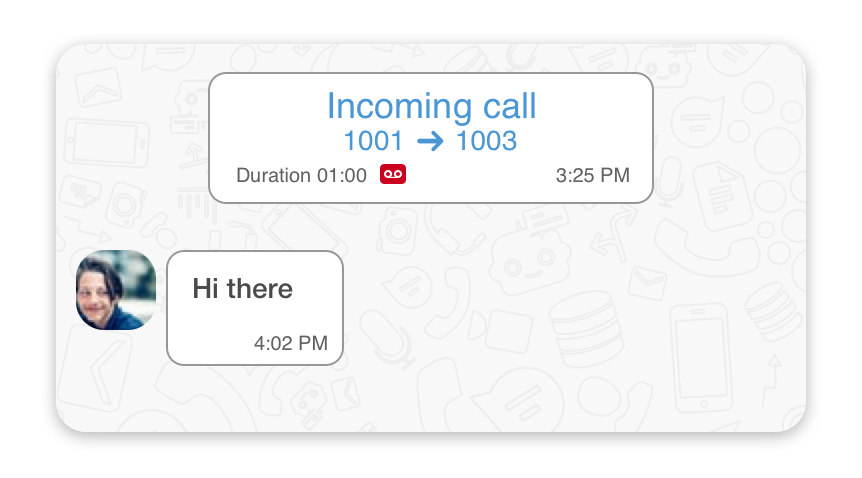
Copying a text message
To copy to a specific messagein a chat:
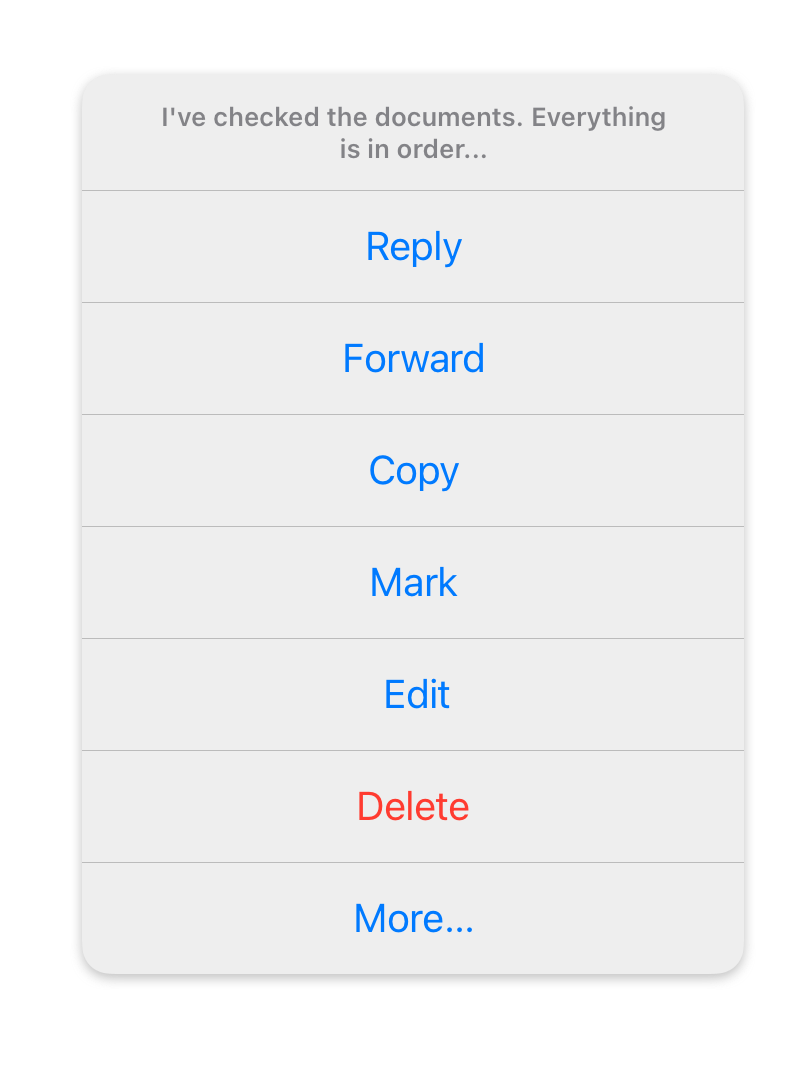
- Long-tap on a message that you’d like to copy.
- In the pop-up menu, select the ‘Copy’ menu item.
Forwarding messages
To forward a single message to another user(s):
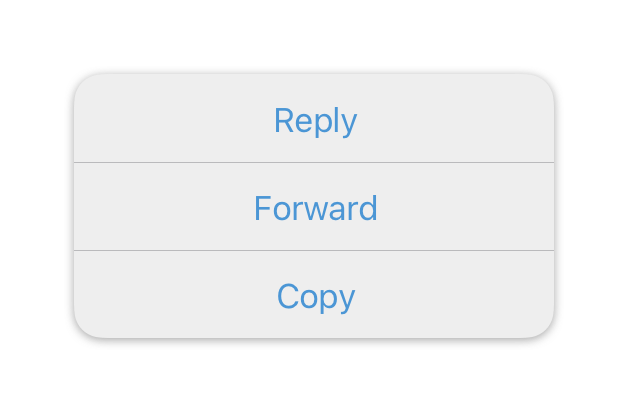
- Long-tap on a message that you’d like to transfer.
- In the pop-up menu, select the ‘Forward’ menu item.
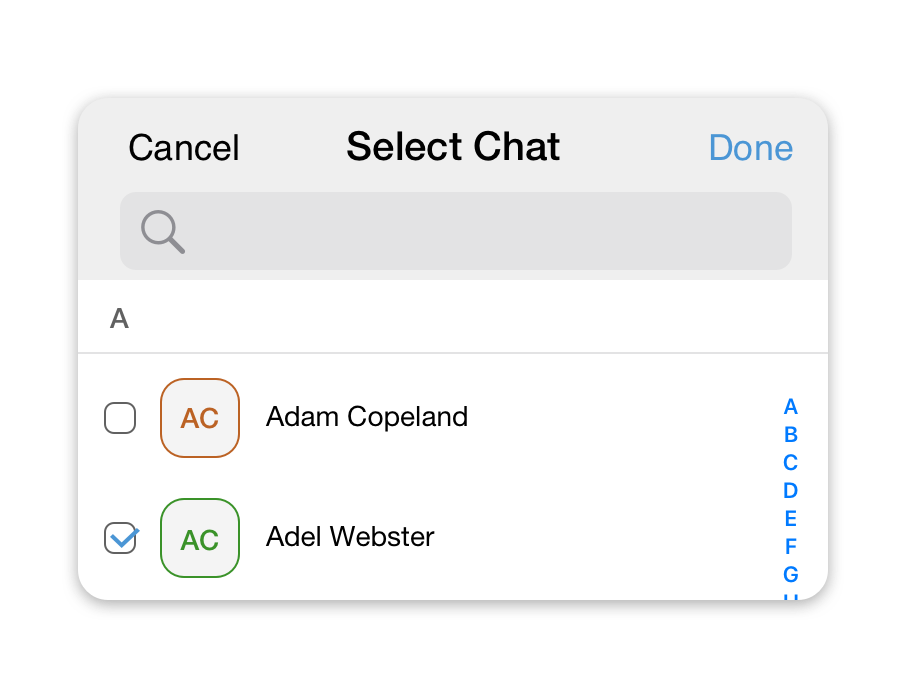
- Select contacts or group chats to which you would like to transfer a message.
To forward multiple messages to another user(s):
- Long-tap on a message that you’d like to forward.
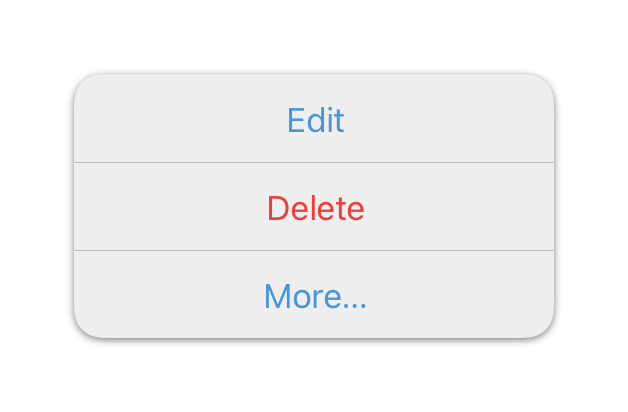
- In the pop-up menu, select the ‘More’ menu item.
- Tap on the
 icon.
icon.
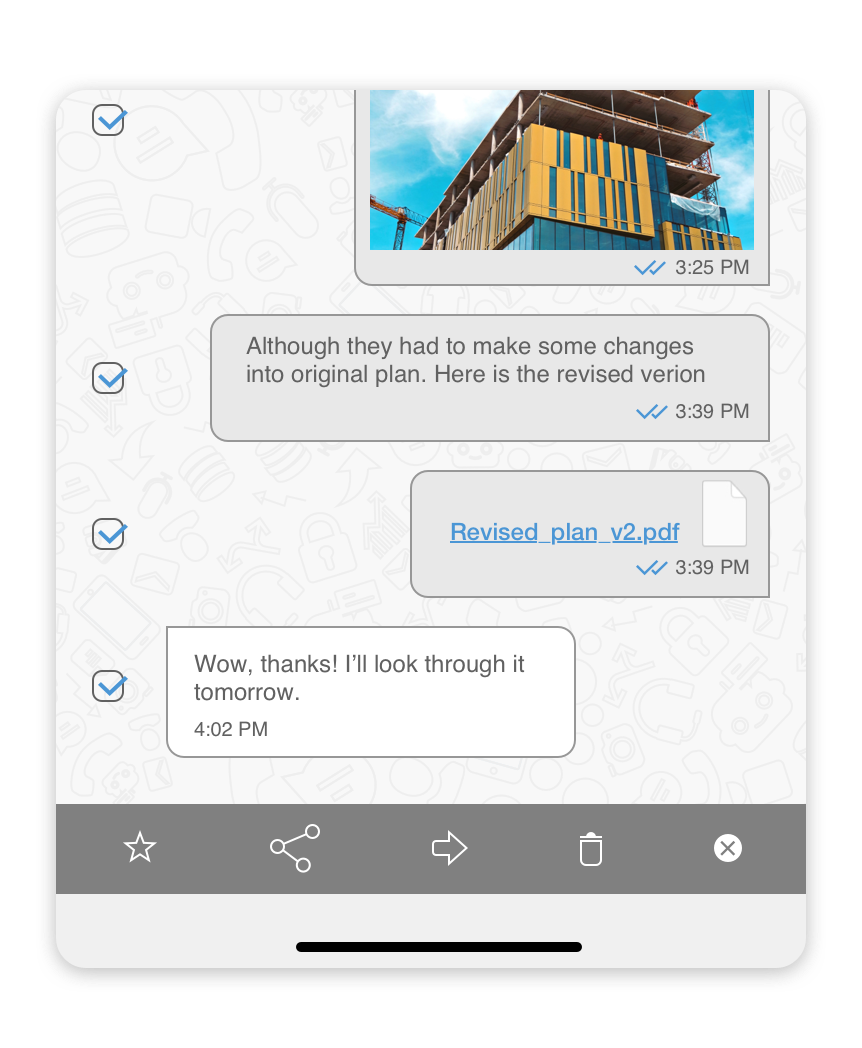
- Select contacts or group chats to which you would like to transfer a message.
Replying to a message
To reply to a specific message in a chat:
- Long-tap on a message that you’d like to reply to.
- In the pop-up menu, select the ‘Reply’ menu item.
- At the bottom of the screen, right above the Text Area where you type your messages, you’ll see the message that you’re replying to.
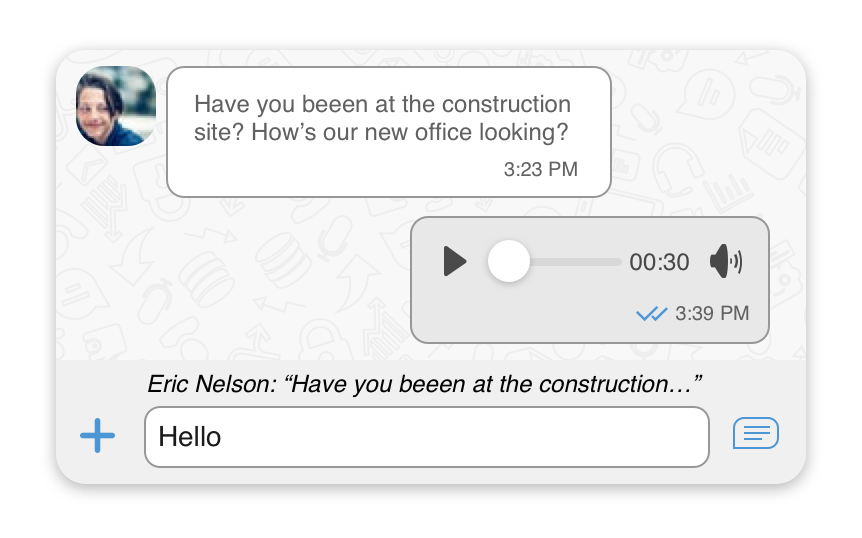
- Type your reply in the text area at the bottom of the screen.
- Press the
 icon to send your reply.
Share messages with other applications on your device
To share a message with other applications:
- Long-tap on any message in a chat.
- In the pop-up menu, select the ‘More’ menu item.
- Select messages /photos /files /calls you would like to share.
- Tap on an
 icon.
icon. - Select an application on your device you’d like to share messages with.