Sending messages and media
Sending a text message
To send a text message to another app user:
- Open a chat with a colleague(s) you would like to send a message to.
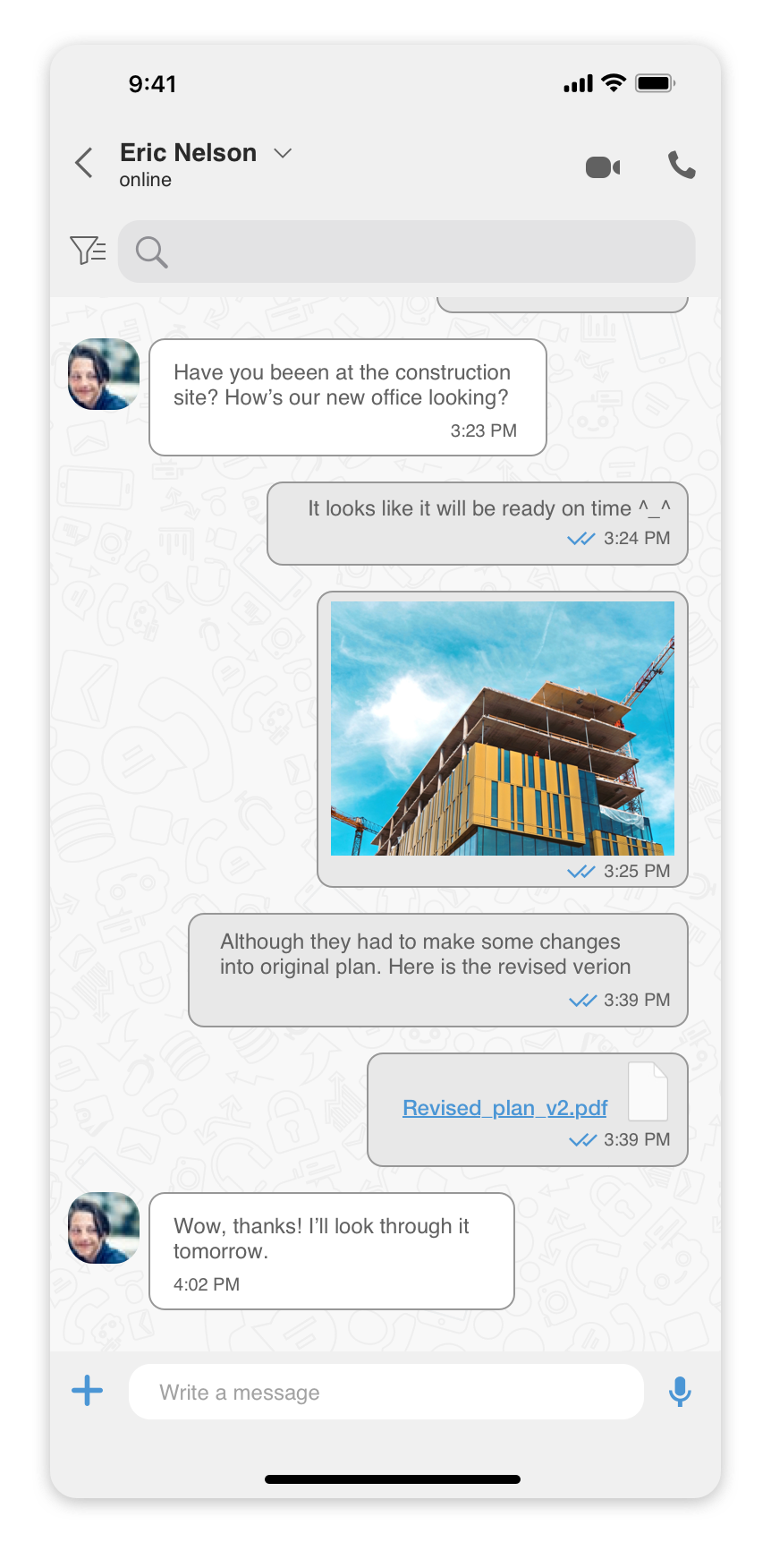
- Tap on the text area at the bottom of the screen.
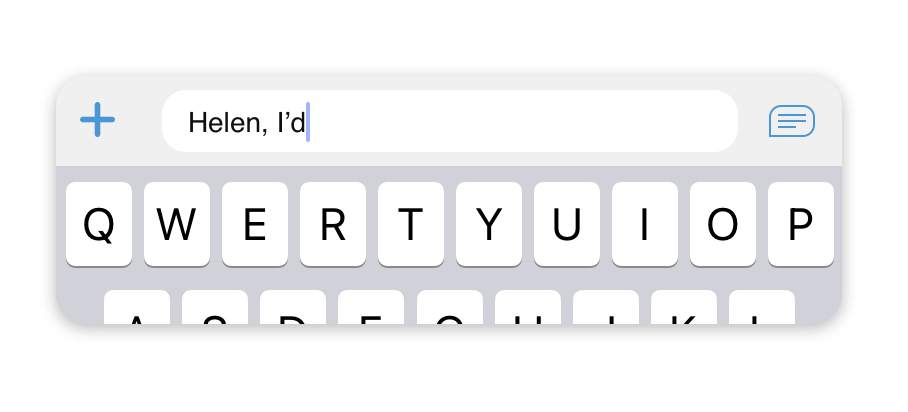
- After you’ve finished typing your message, press the
 icon to send it.
Sending files, photos, and locations
To send a file, photo, or your current location:
- Open a chat with a colleague(s) you would like to send a file to.
- Tap on the
 icon at the bottom of the screen.

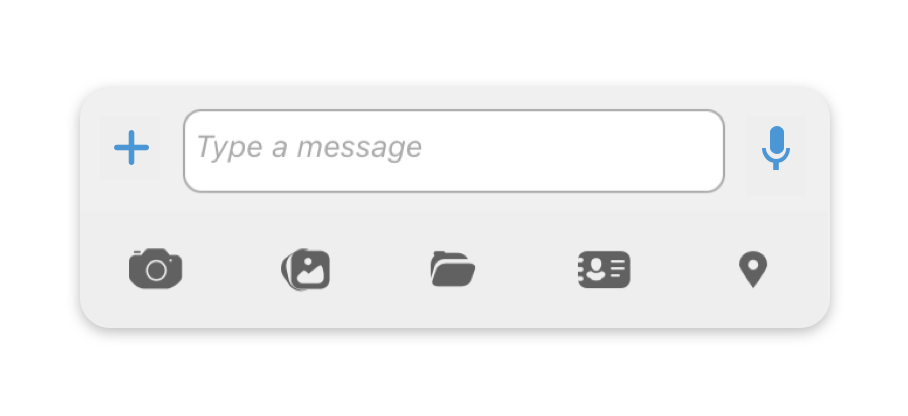
- Select the type of message that you would like to send.