
Viewing and editing contact details
To view or edit contact details, click on the icon in the upper right corner of the chat panel.
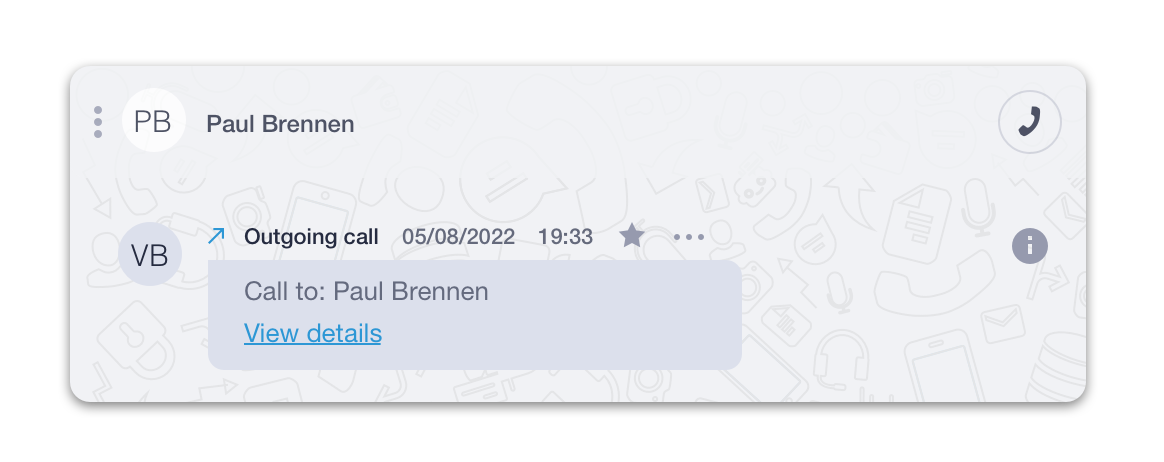
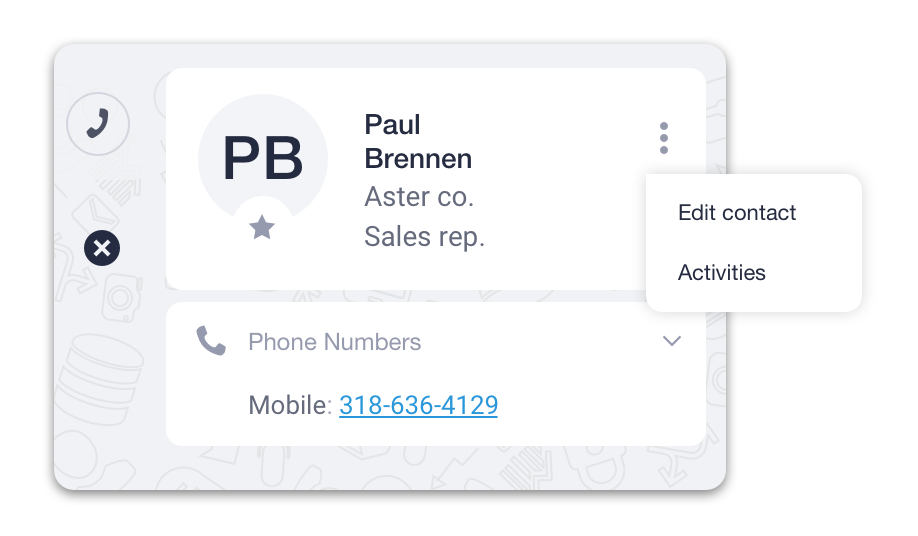
A contact’s profile can contain all information about a contact - name, company, job title, phone, email, etc.
To edit information about the contact, click on the icon and select the “Edit contact” button in the drop-down menu.
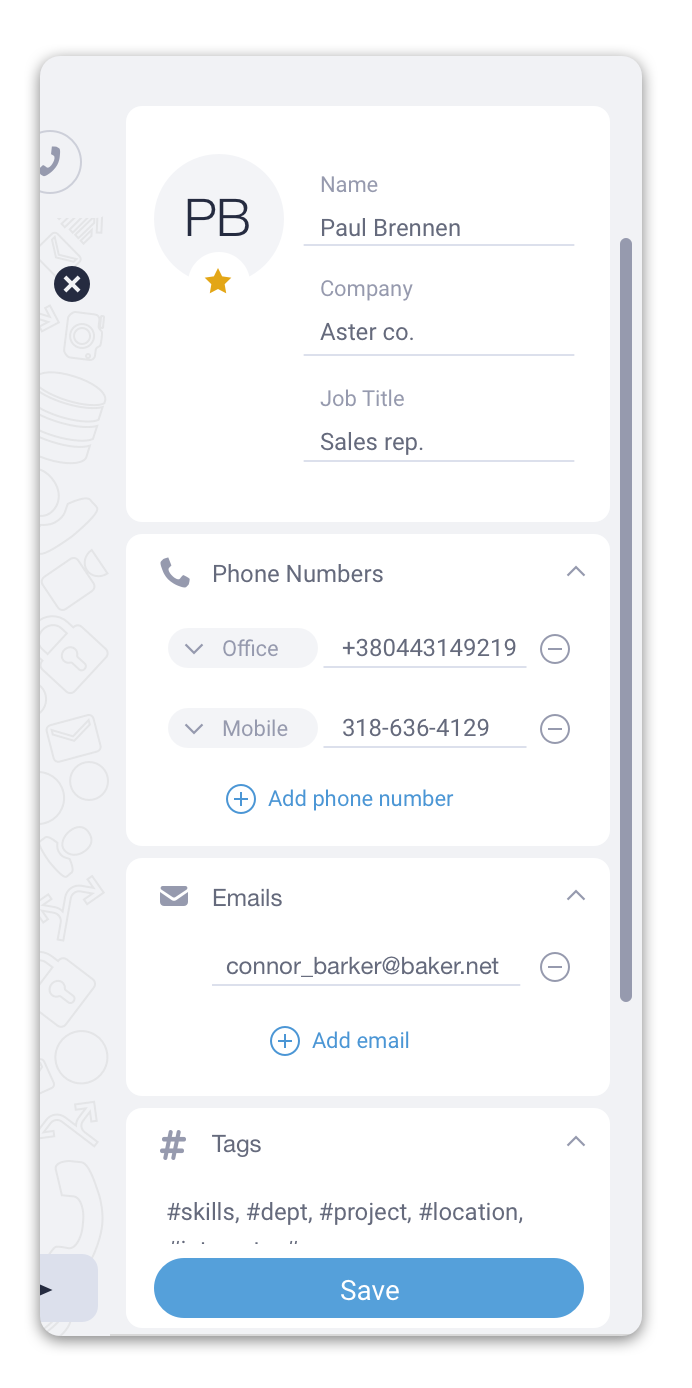
After you’ve finished editing a contact’s details, click the Save button to save changes.
Or click on an icon to close contact details and discard the changes you made.