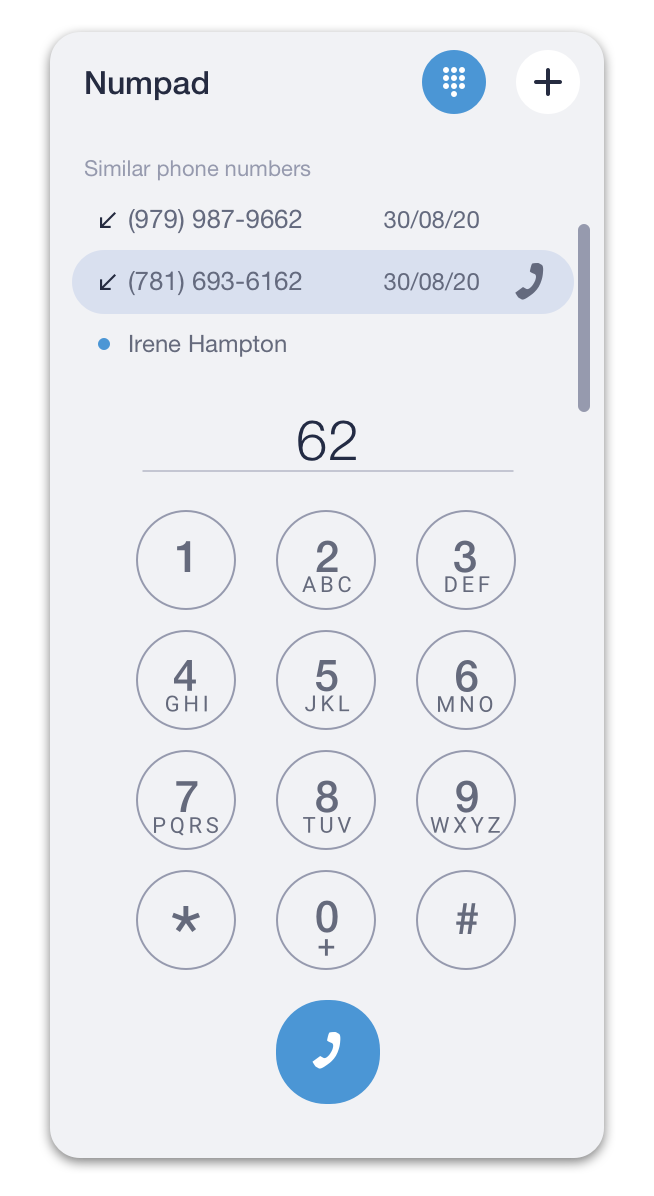
Outgoing call
There are several ways you can make an outgoing call from the desktop app:
OPTION 1
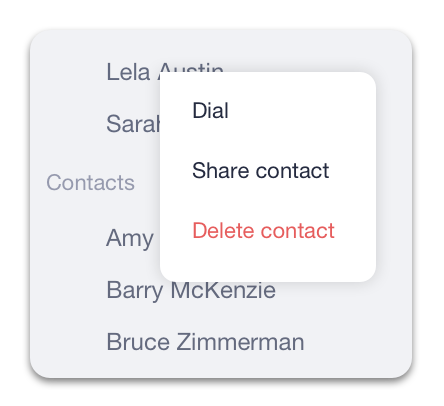
- Right-click on a contact, chat, or call record in any of the tabs.
- Select Dial from the drop-down menu to make an audio call.
OPTION 2
- Left-click on a contact, chat, or call record to open a chat.
- Click on the
 icon to initiate an audio call or click on the
 icon to initiate a video call (available only for Users).

OPTION 3
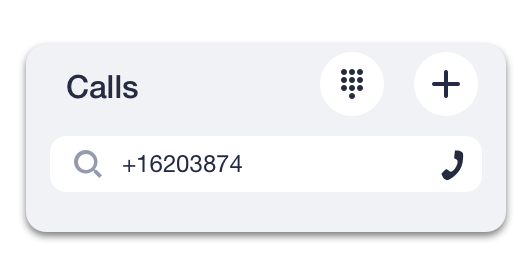
- Enter a contact’s name or phone number in the Search bar.
- Press Enter or the
 icon to make an audio call.
OR
Open the dial pad by clicking on the icon in the Search field to call extensions or external numbers.