How to add notes to a call
Your desktop app allows you to add additional notes to each call. You can add a call purpose and add comments with the details of your conversations.
This feature helps you to note down essential parts of information during long conversations and have a better track of your communication history with customers.
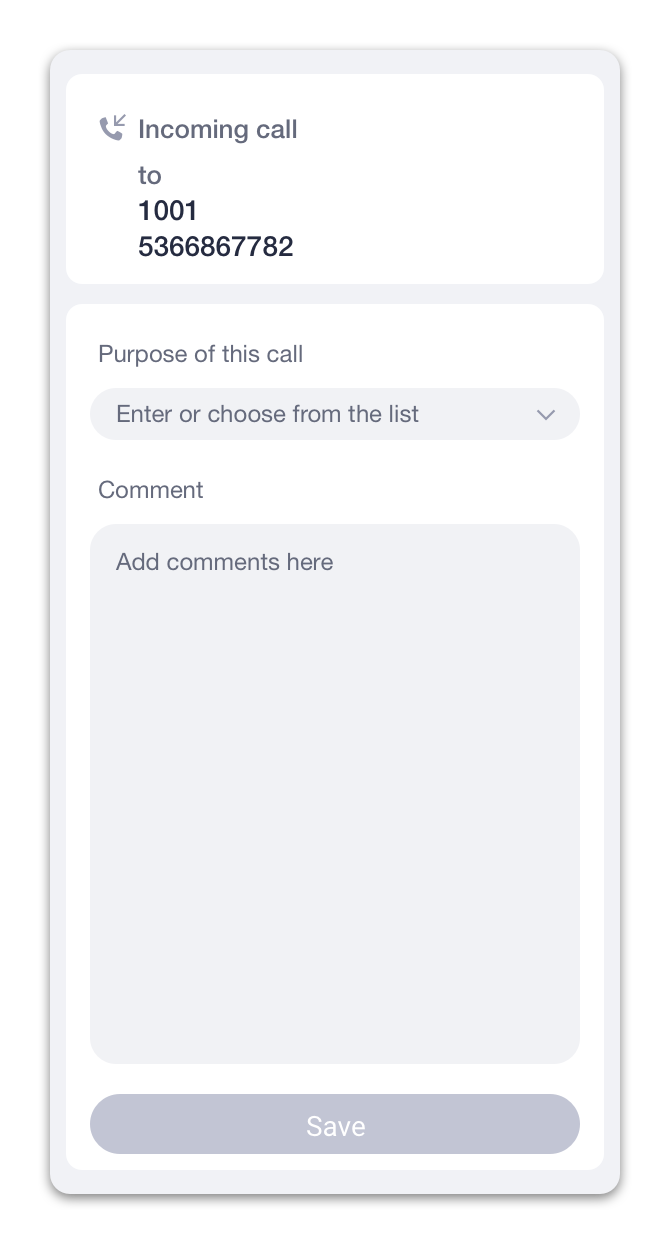
To add notes during a call, click on the icon to open the Call Info panel. You can add a new subject manually or choose an existing subject from a drop-down list.
Use the Comment text area to add comments to a call.
To view/edit information after a call:
- Open your conversation history with a contact. You can do that by switching to the ‘Calls’ tab and selecting a contact from the list of your calls.
- Tap on a ‘View details’ link of a call you’d like to add details to.