User presence statuses
With the help of various user statuses your mobile app allows you to share your availability with the team and check the availability of your colleagues. There are 5 different states a user can have:
 Online. This state shows that the user is currently online and able to receive calls and messages.
 Away. This state indicates that the user is currently out of his workplace. Does not affect the ability to receive calls and messages.
 Busy. In this state, all incoming calls will be blocked but the user will still be able to receive messages.
 Offline. Offline Users cannot receive calls and messages.
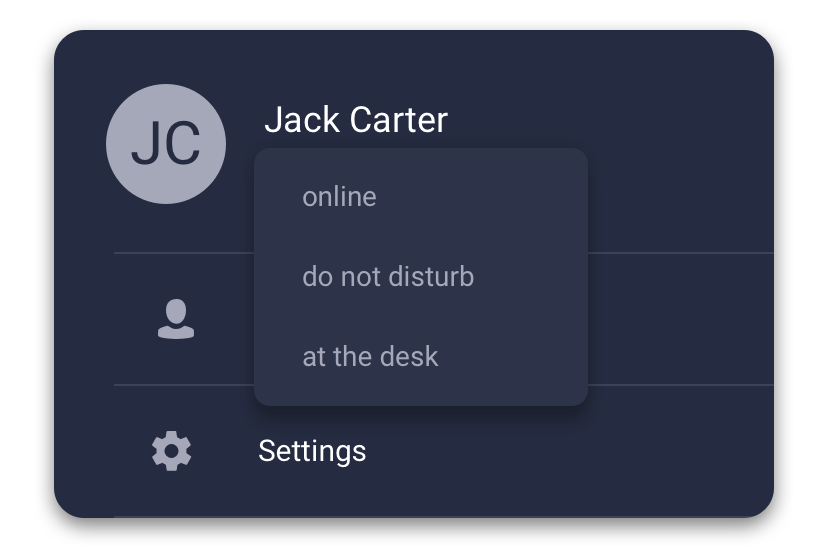
 At the desk. You can set this status manually if you have a desk phone connected to your Phone System and you would like for all incoming calls to be routed first to this desk phone. Meanwhile, your mobile apps will receive incoming calls with a set delay.
Changing your presence status
To change your status:
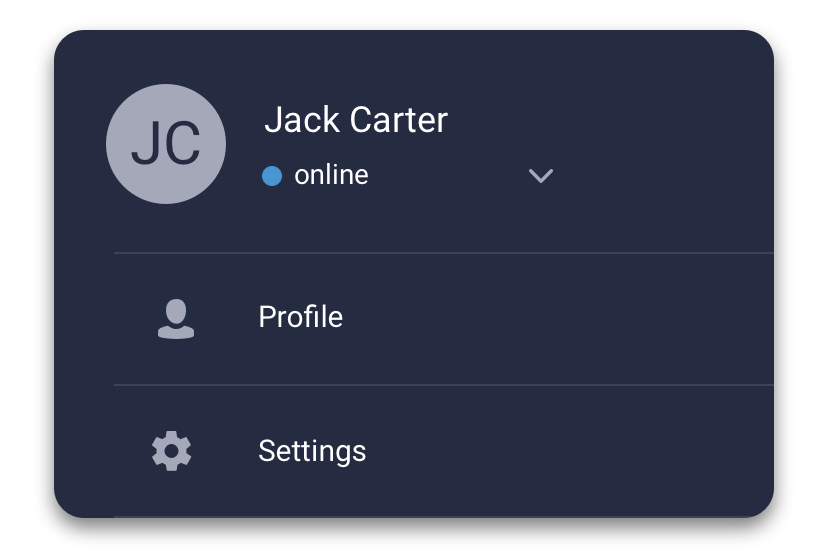
- Switch to the Menu tab by tapping the icon.
- Tap on the Status dropdown menu.
- Choose one of the statuses available from the dropdown menu.