Voicemail settings
In case when you’re unable to pick up a call, you can send it to a voicemail. It can be enabled in your desktop app or by your PBX administrator.
To enable voicemail:
- Go to the Menu tab.
- Select Settings.
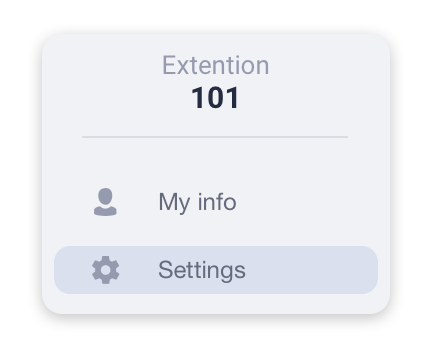
- In the Call settings tab toggle the Voicemail switch ON.
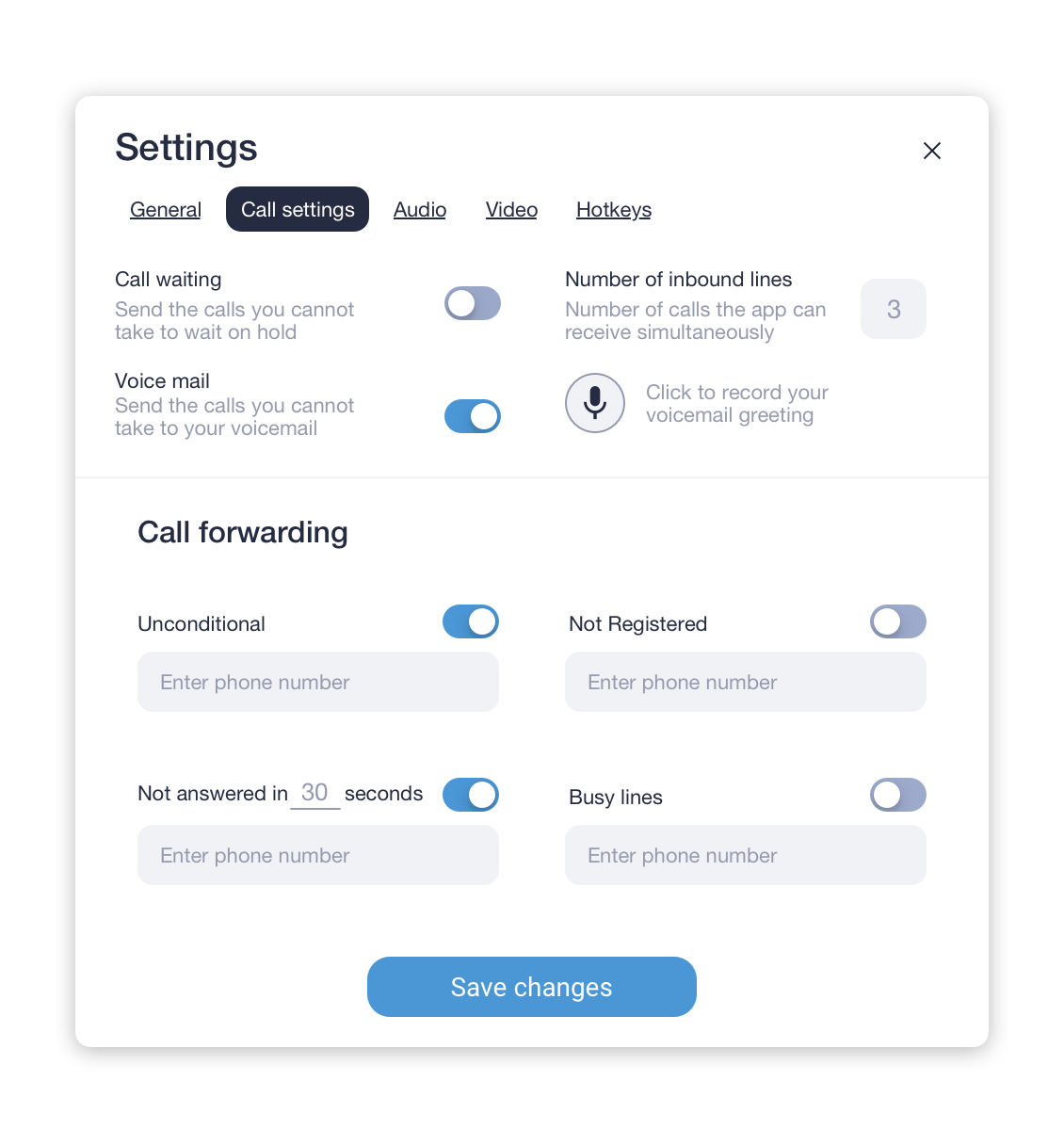
Set voicemail greeting
To record a voicemail greeting:
- Click on the
 icon.
icon. - In the opened window click on the
 button to start and stop recording after you finish.
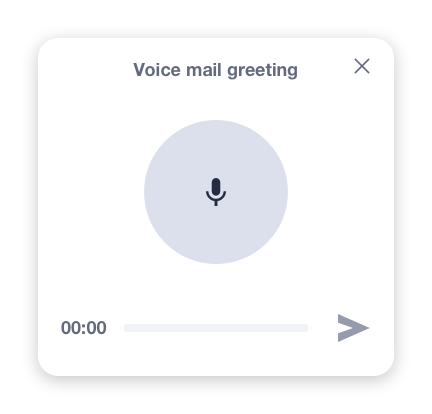
- Click on the
 icon to save the recorded greeting.
If the greeting isn’t recorded, an automated message will be prompted to a caller: “The following number *your extension number* is currently not available. Please call again or leave a message after a signal.”
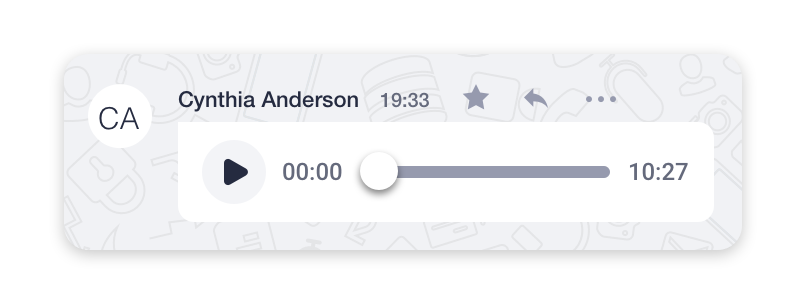
If the Voicemail feature is turned on, your voicemail messages will be displayed in personal chat with a user who called like this: