Chats and messages
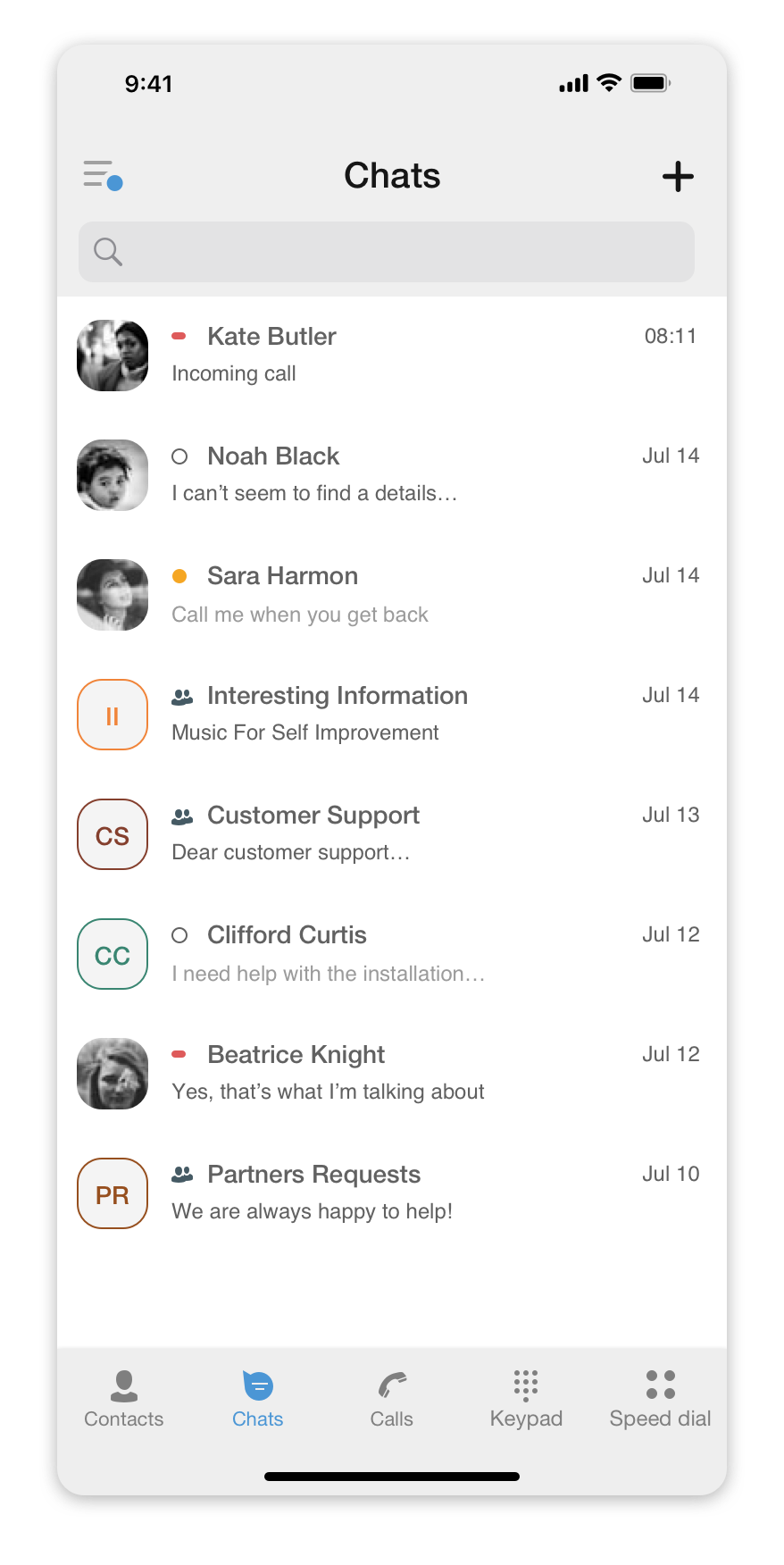
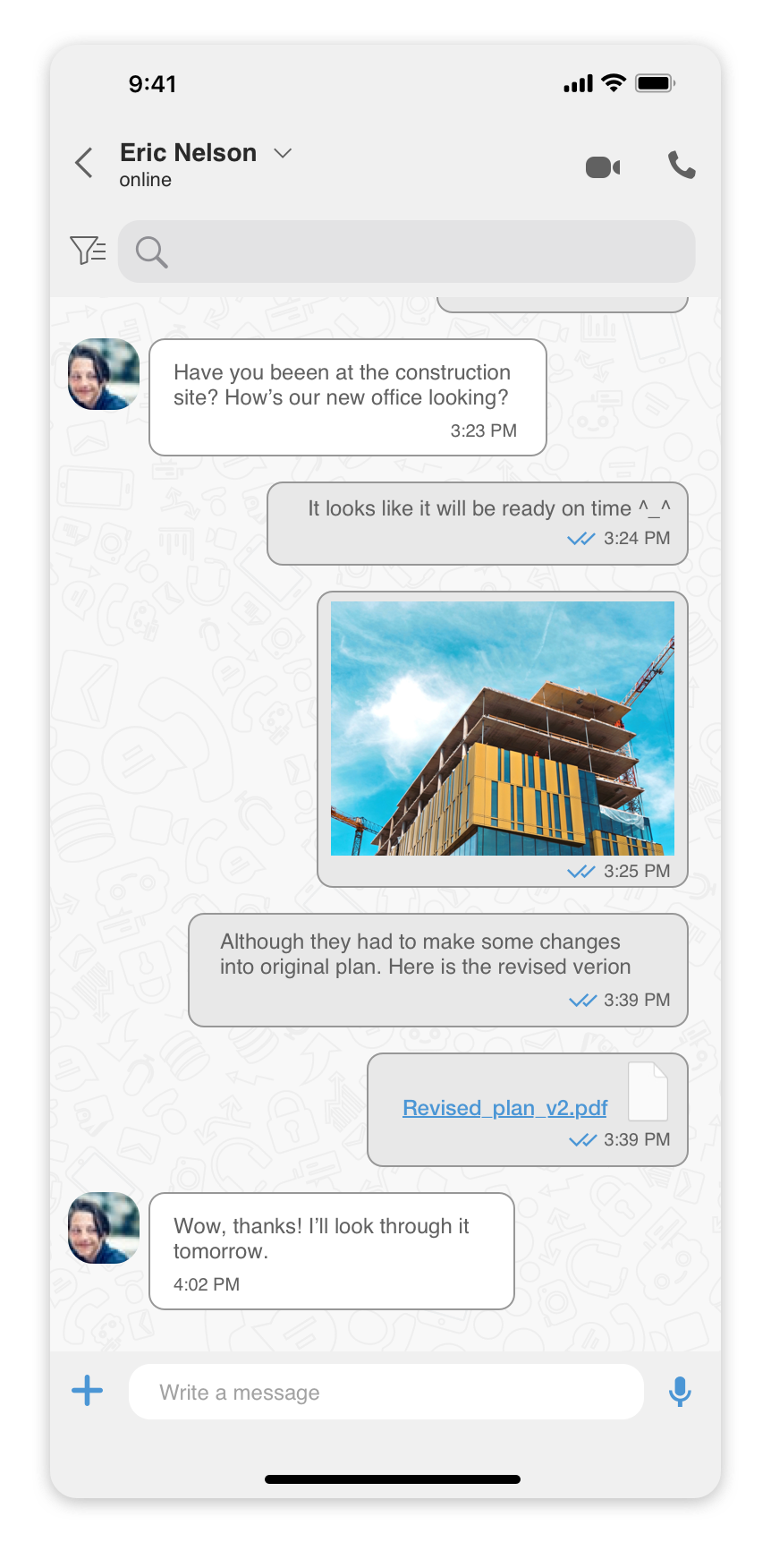
Using the mobile app, you can send a text message to a colleague directly via ‘Personal’ chat or to a group of colleagues using a ‘Group’ chat.
The ‘Chats’ tab is where all of your chat conversations - all the messages you’ve sent and received, are displayed.
It is also where you can create a new ‘Personal’, ‘Group’, or ‘SMS’ chat.
You can initiate a chat with a colleague using one of the following options:
- Open your colleague’s Profile . And pressing thechaticon.
- Select an existing chat in the ‘Chats’ tab.
- Create a new chat by pressing on the
 icon at the top right corner of the screen and then selecting the type of chat you would like to create.