
Call parking
Availability of this feature depends on your service configuration. Contact support for details.
Looking for an iOS or Android version of this article?
Call Parking feature allows you to put a call on hold from one extension (or device) and retrieve it from another extension (or device) with permission to do so.
To park a call:
- Click the transfer icon
 on a Call panel or Pop-up window .
OR
- Click on the call menu icon
 of an Active Line and select Transfer from the drop-down menu.
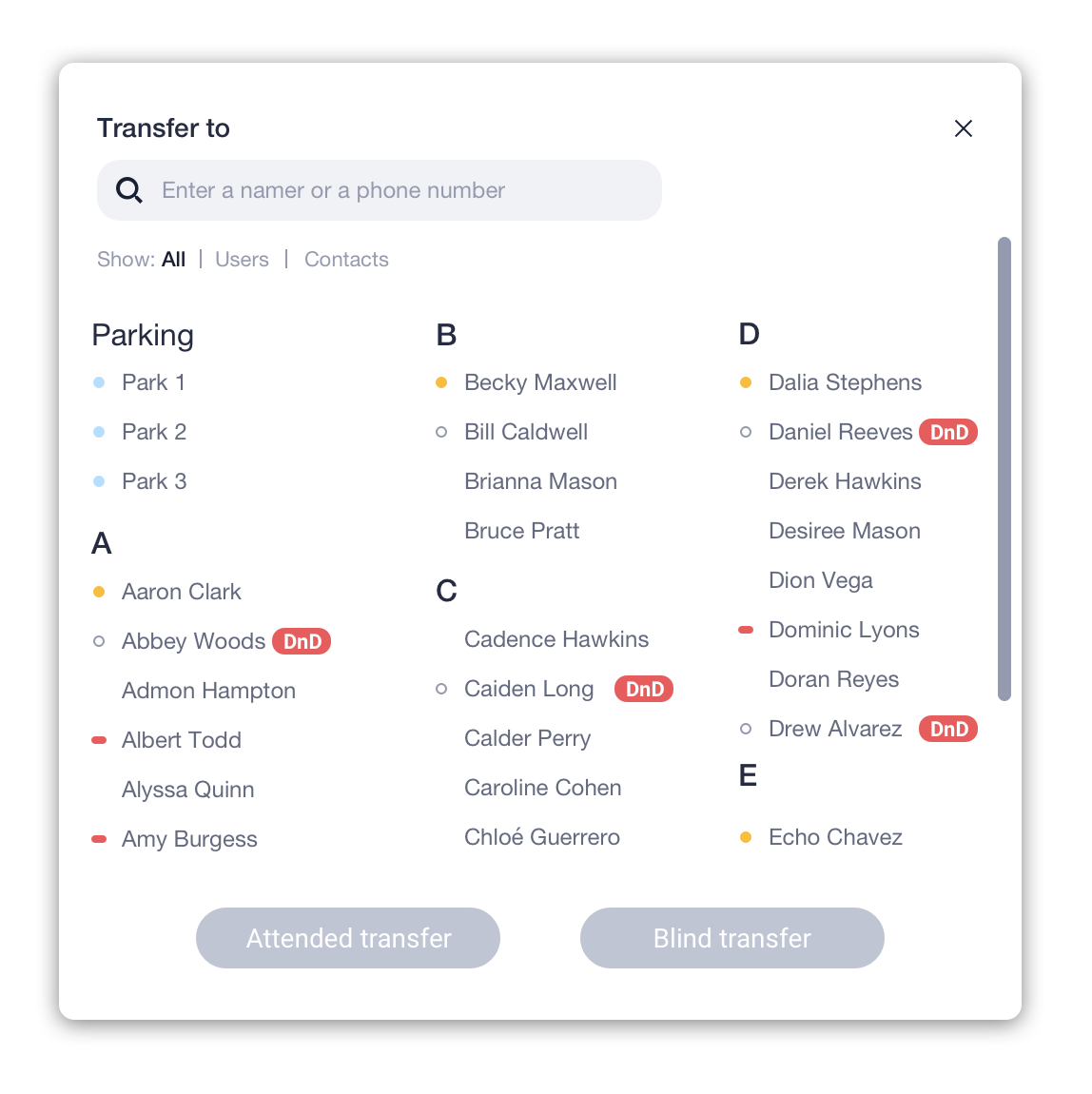
- Choose a parking slot from the “Parking” list, then confirm action. The current call will be parked, and your Active Line will be released.
Note: if all parking slots are busy, you will not see any parking slots in the list.
Retrieve a parked call
A parked call will be displayed under the Search Bar. It will be visible to all your colleagues, and they will be able to pick up this call from a parking slot. Click on the phone icon to retrieve a call.
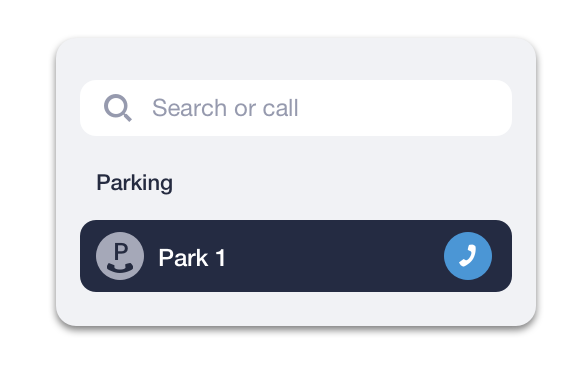
* Please check the availability of this feature with your PBX Administrator.