
Making outgoing calls
There are several ways to initiate an outgoing call from the mobile app:
Making a call from a contact profile
- Open the profile of a contact/user that you would like to call.
- Tap on the
 icon to make a voice call or on the
 icon to make video call.
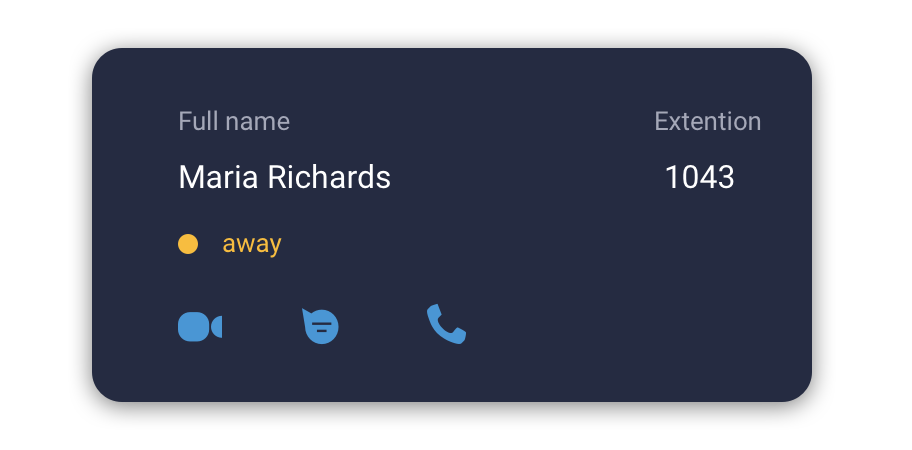
User’s profile example
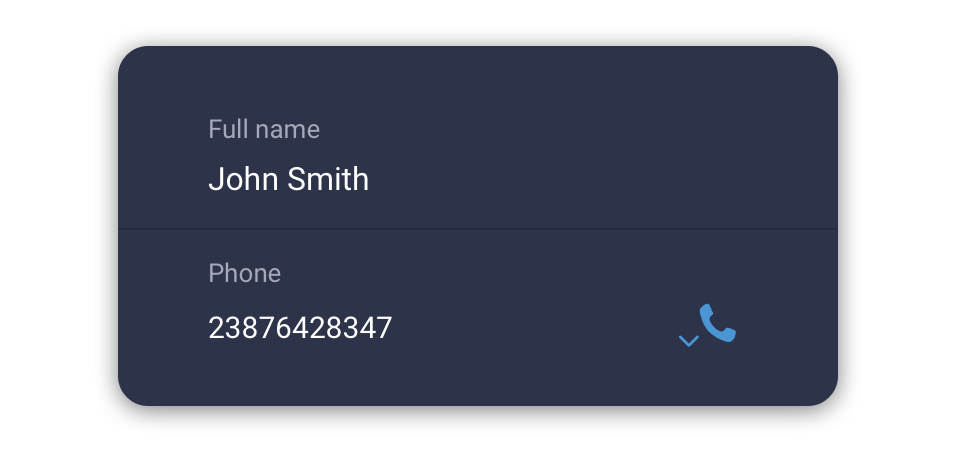
External contact’s profile example
Making a call from a Calls tab
- Open the ‘Calls’ tab
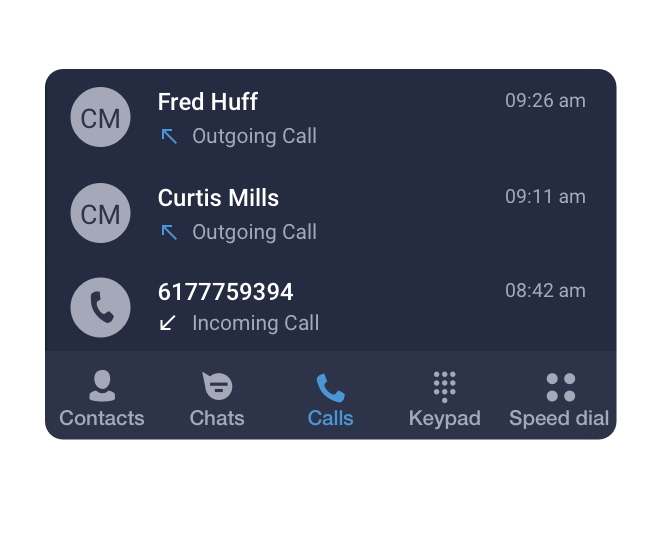
- Select a contact from your call history.
- Press on aicon to make a call.
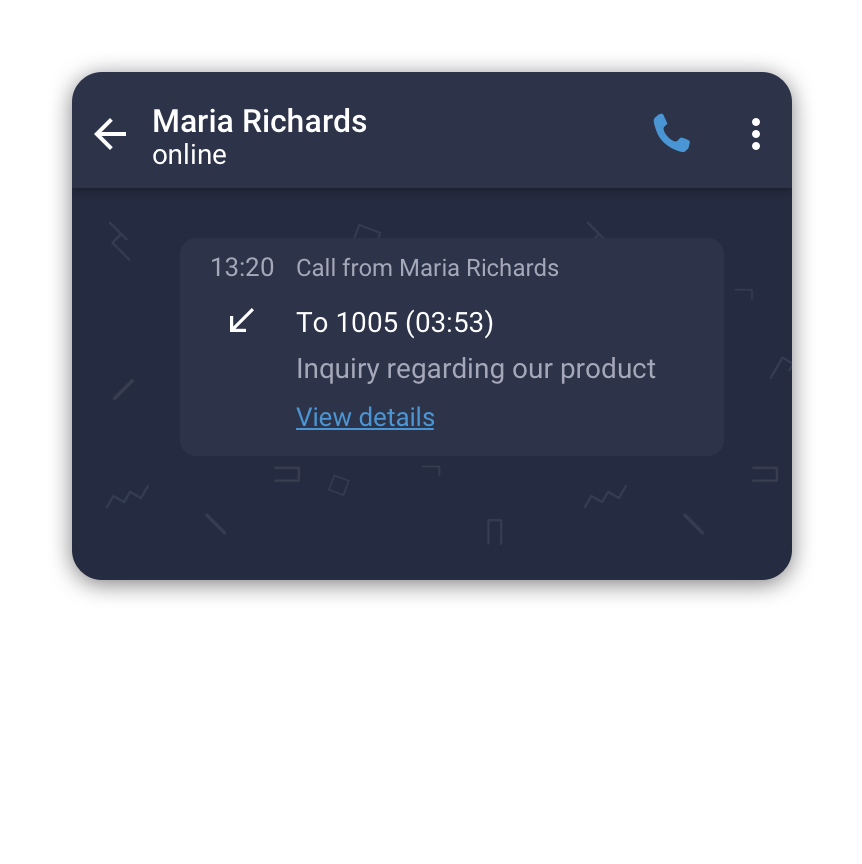
Making a call from the Keypad
- Open the Keypad tab.
- Enter the phone number you'd like to call.
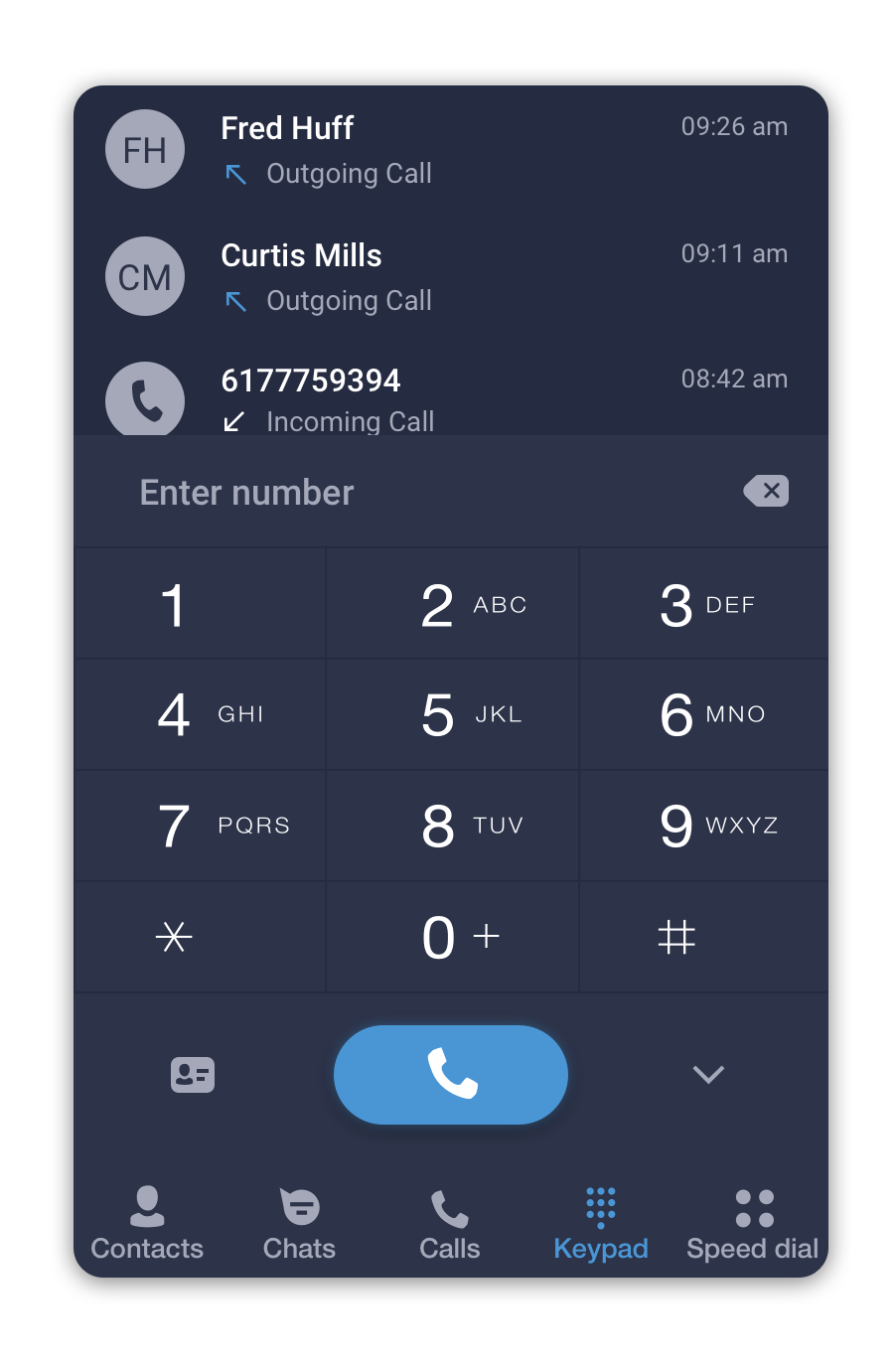
- Press on a
 button to make a call.